In-browser model
The cutout is calculated on this device after the model files download.
Cutout
Remove the background in your browser and download a transparent PNG. The model downloads once, then stays on this device.
The remover uses a segmentation model that runs in this tab. The first photo downloads that model (about 80 MB) from the model host and stores it in the browser. Later photos reuse it. The picture itself is not uploaded to FixPhotoLab.
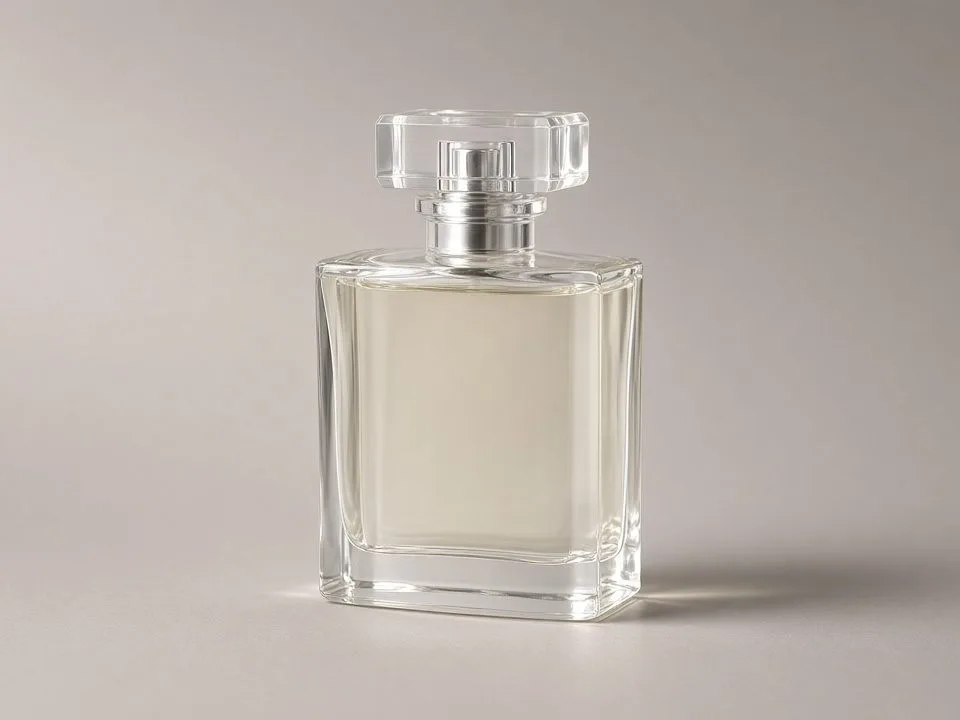
Fine hair, glass, and mesh can still leave a rough edge. Those files belong with the masking service, where a person finishes the cutout.
The cutout is calculated on this device after the model files download.
The model stays cached, so the next photo starts faster.
The result keeps a transparent background.
Often better than a color wipe, and still imperfect on fine hair, fur, and glass. Use image masking when the edge has to be exact.
No. Only the model files are downloaded. The photo stays in this tab.
Enhance
Enlarge a photo in the browser with high-quality resampling and a light sharpen.
Open toolRestore
Lift brightness, contrast, color, and sharpness on a faded photo. The edit stays on your device.
Open toolThe tool is there for a local pass. Production work goes through a quote.