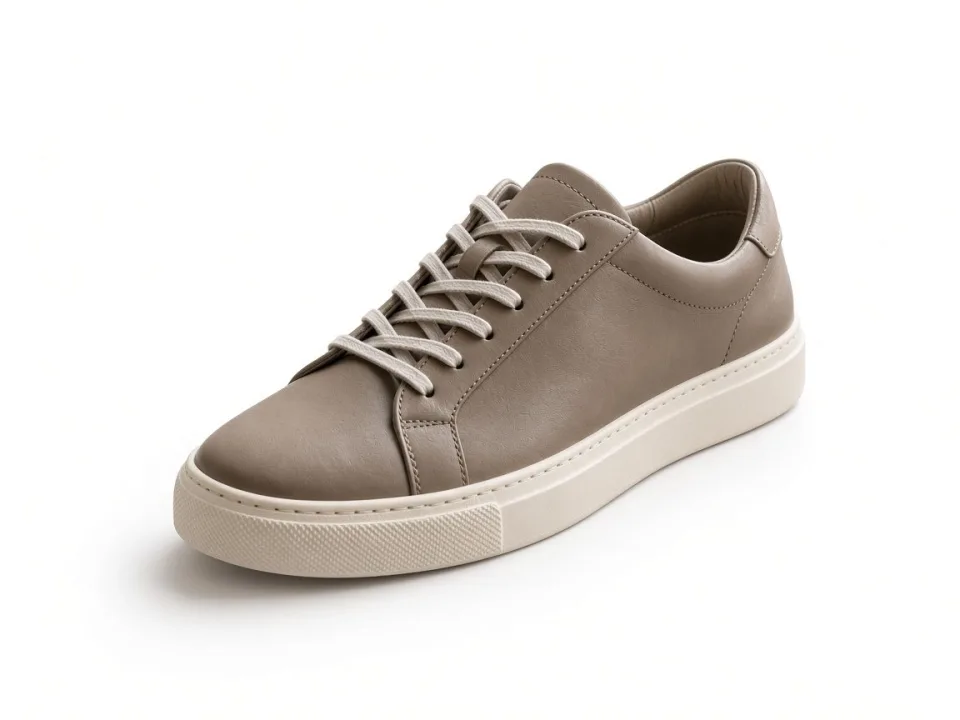
Clipping Path
Hand-drawn outlines for products that need a clean edge at any size.
Services
These are the studio services. Each one is a described edit, quoted before anyone starts. Free tools stay on their own page when you only need a local pass.
Hand-drawn outlines for products that need a clean edge at any size.

A clean background for product and portrait files, including the difficult edges a filter misses.

Masks for hair, fur, fabric edges, and anything a hard path would slice through.
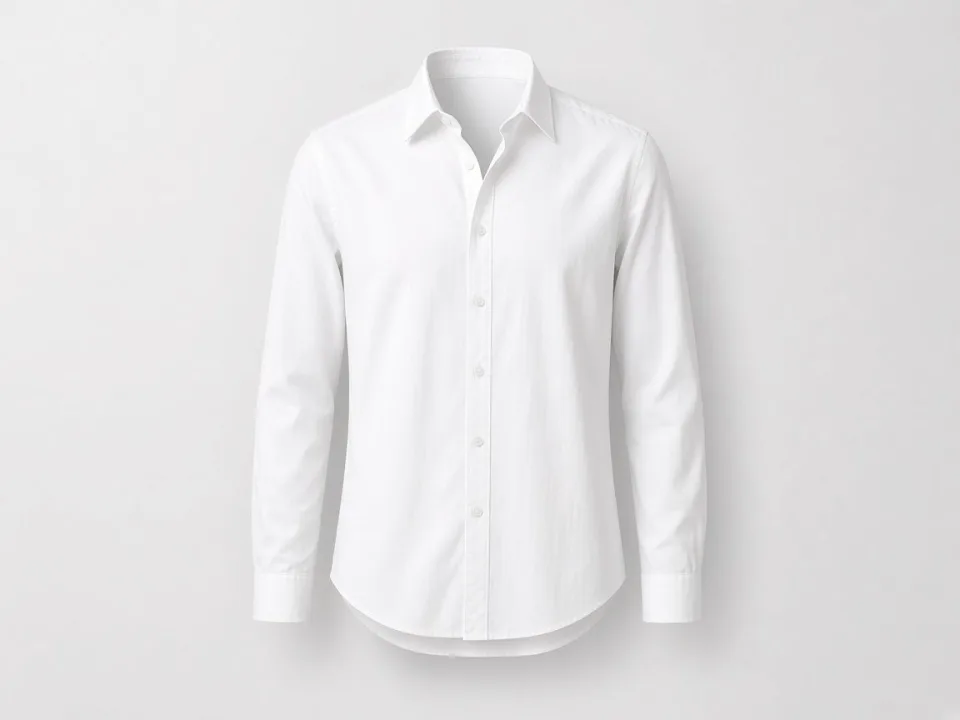
Invisible-mannequin apparel images so the garment keeps its shape without a visible form.

Dust, scratches, sensor spots, and small distractions removed without a plastic finish.

Skin, hair, and makeup refined while the person still looks like themselves.
Natural contact shadows, drops, and reflections so a cutout sits on the ground.

Recolor a product variant without reshooting, when the material allows it.

Metal, stones, and small settings cleaned without turning the piece into plastic.
Separate paths for parts of a product that must be recolored or isolated on their own.

A full pass for catalog images: crop, color, cleanup, and a background that matches the store.

Exposure, verticals, and window light corrected so a room reads as it felt.
How a job moves
Pick the service above, or say what the picture has to do if you are between two of them. Count the images. Name the format and the background. Attach one sample if you can.
The reply says what is included, what is not, and the timing for that batch. A public page does not set a turnaround. The quote does.
Sending the form does not reserve production time and does not start editing. The job starts when the scope in the quote is accepted.
Files come back for review. Changes that were written into the quote are part of that pass. A new request, a different crop, or a different color is a new line in the scope.
The original is more useful than a screenshot of a screenshot. If you have a layered file, a reference crop, or a color you must hit, say so. If a logo, a stitch, a price mark, or a wall color must stay, write that down. The editor should not have to guess which pixels are the product and which pixels are the problem.
Payment terms are written in the quote or the invoice. This website does not store card numbers, and it does not publish a refund rule that the business has not written down.