Pen-drawn outline
The edge is drawn, not guessed from a contrast filter.
Service
Hand-drawn outlines for products that need a clean edge at any size.
Get a Quote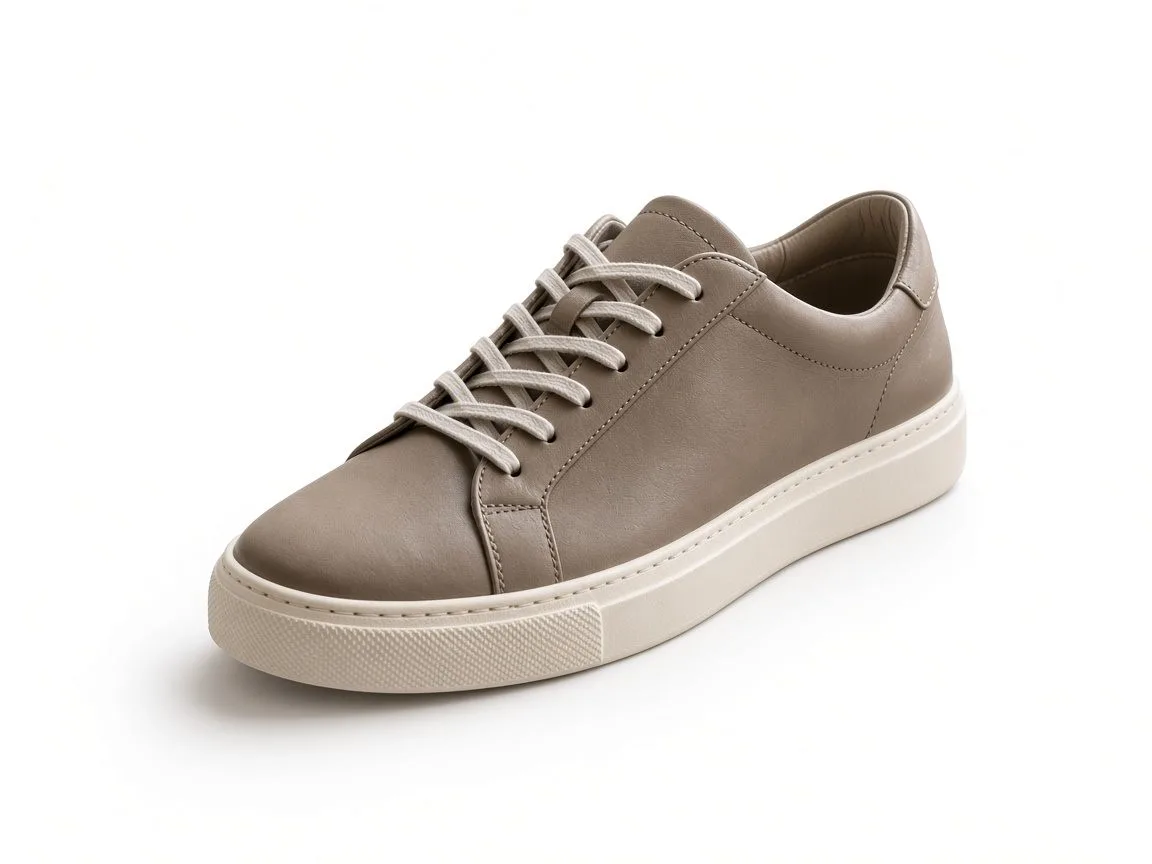
A clipping path is a vector outline around a product. It stays sharp when the image is scaled, and it can sit on its own layer so a designer can reuse it.
Use it for hard edges: shoes, bottles, boxes, electronics, and packaged goods. Soft edges such as hair belong with image masking.
The edge is drawn, not guessed from a contrast filter.
You can receive the path as well as the finished pixels.
Corners stay corners. Curves stay smooth.
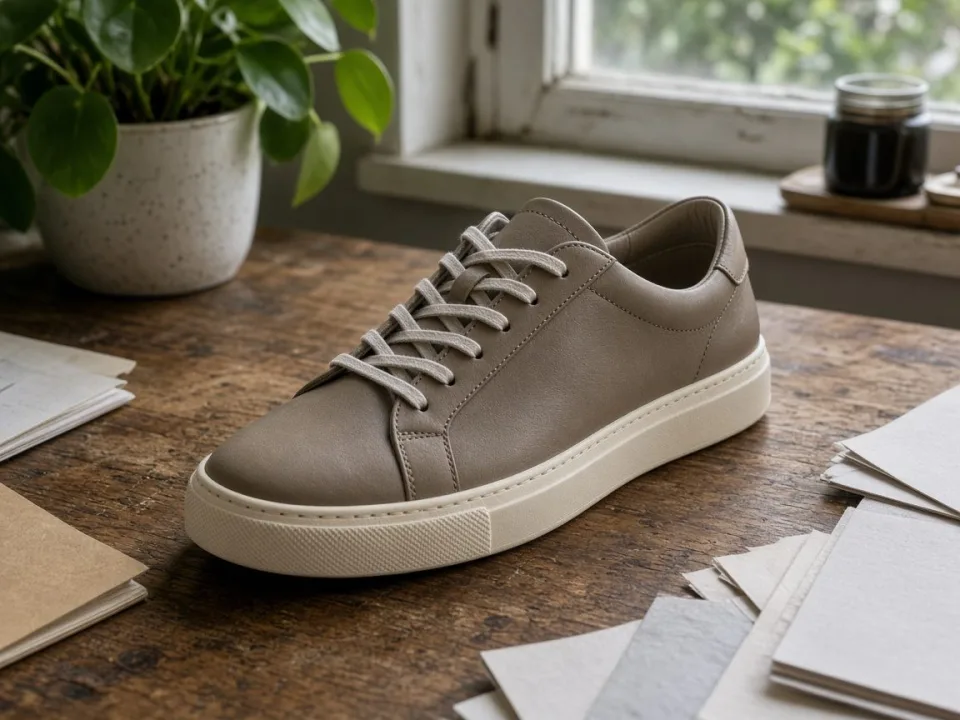
A lifestyle frame cut to a white catalog ground.
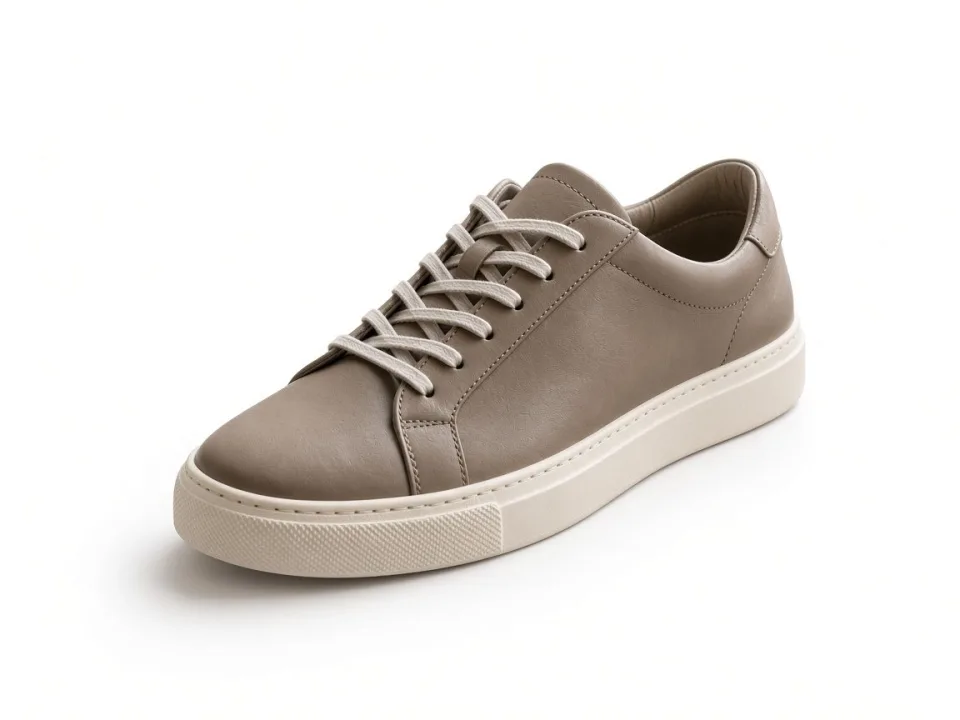
PSD or TIFF when you need the path.
Say which background the destination needs.
Files can follow your SKU names.
Send the images and say where they will be used.
We confirm scope, format, and timing in the quote.
Editors complete the file and check it at full size.
You review. Changes that were part of the quote are included.
Every file is reviewed at 100% before it is sent. A public page is not a promise of a turnaround. The quote is.
JPG, PNG, TIFF, and PSD are typical. Say if the destination needs a specific format back.
No. Scope is confirmed first.
For a plain background or a simple crop, often yes. For a catalog, hair, jewelry, or a set that must match, use the service.
Next step
Include volume and a deadline if you have one. The reply confirms scope before work starts.