How big is a 16x20 photo

How Big Is a 16×20 Photo? The Complete Size, Frame & Print Guide (2026)

Quick Answer: How Big Is a 16×20 Photo? A 16×20 photo measures 16 inches by 20 inches, which equals 40.64 × 50.8 centimeters, 406.4 × 508 millimeters, or roughly 1.33 × 1.67 feet. The print covers about 320 square inches of wall space and uses a 4:5 aspect ratio (portrait) or 5:4 (landscape). If you …

Remove a Specific Color in Photoshop

Remove a Color From an Image in Photoshop: Step-by-Step

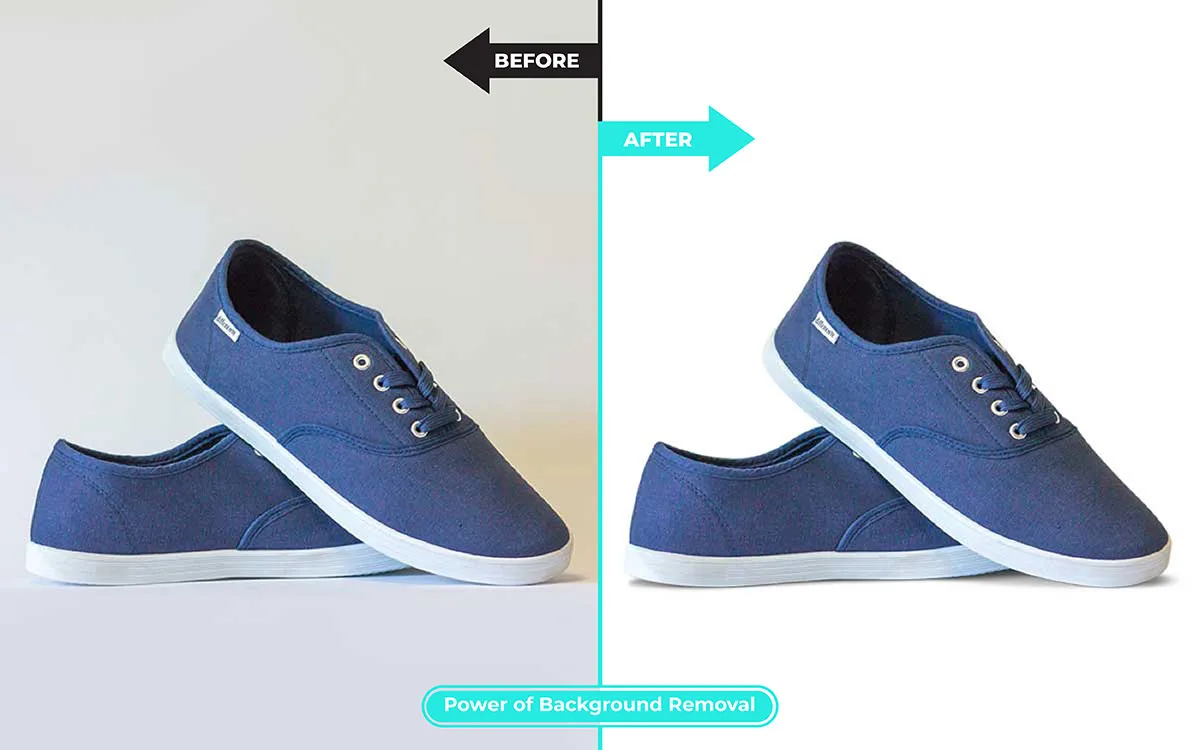
Introduction — Why Removing a Color in Photoshop Trips Up So Many Users Every Photoshop user hits the same wall eventually. You open a photo, and one stubborn color is derailing the whole composition — a lime-green backdrop from a rushed studio shoot, a red hoodie you wish were charcoal, or a “white” background that …

How Much Does a 64GB SD Card Hold

How Much Does a 64GB SD Card Hold? The Complete 2026 Storage Guide

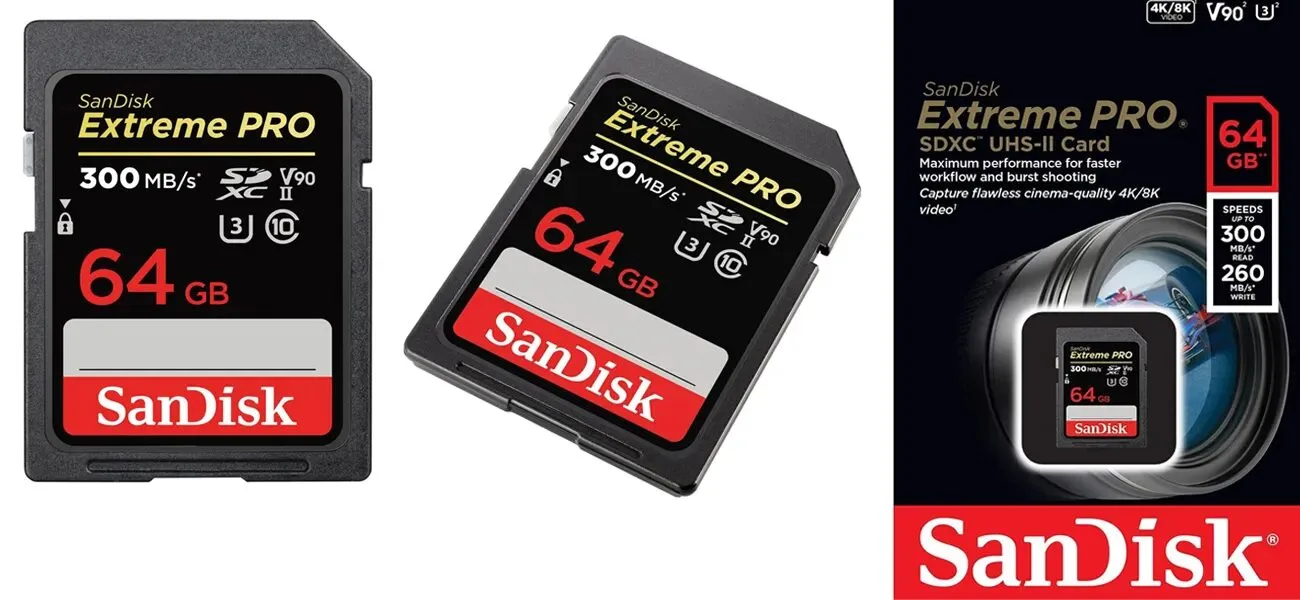
Introduction: Why the Real Answer Isn’t a Single Number Understanding Storage in Practical Terms Ask ten photographers how much a 64GB SD card actually holds, and you will collect ten different answers. That gap does not come from confusion — it comes from context. A 24-megapixel RAW file from a Sony mirrorless camera behaves nothing …

AI upscaler transforms blurry image into sharp result

Best AI Upscaler 2026: Top 10 Tools Tested & Compared

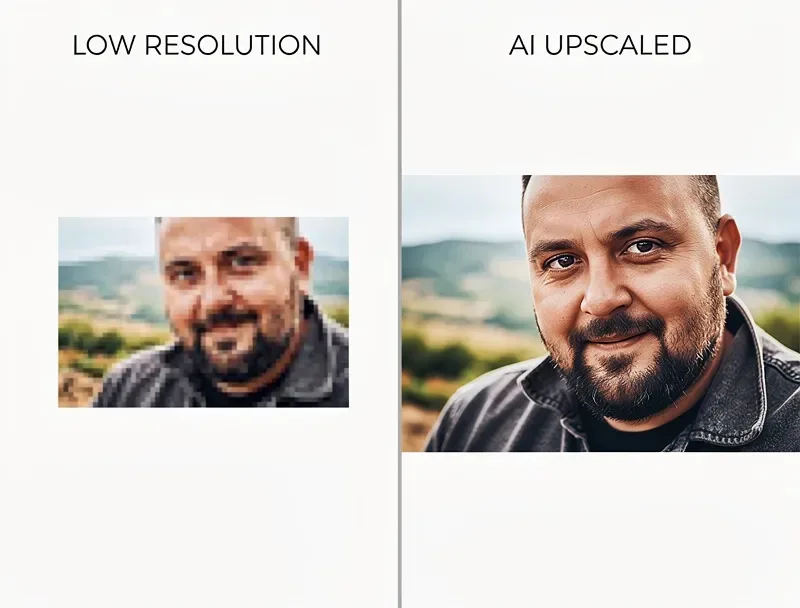
Blurry photos crush conversion rates. Small product images tank sales. Old family snapshots dissolve into pixels when you try to print them larger than a postcard. For decades, Photoshop’s “Image Size” dialog offered little more than disappointment — stretching pixels and hoping for the best. Modern AI rewrites that story completely. Today’s best AI upscaler …

Highest Resolution Camera

Top Highest Resolution Cameras You Can Buy Today (2026)

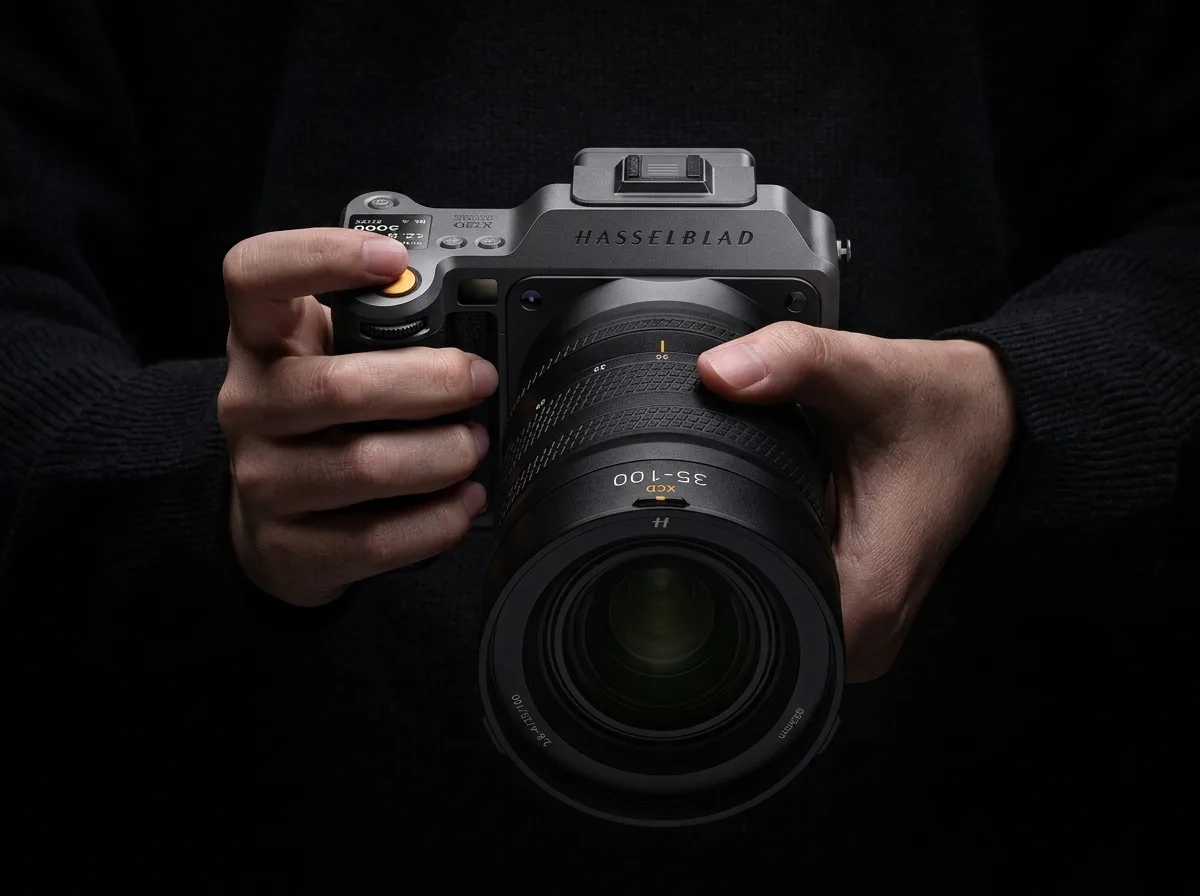
Introduction: The Race For The Highest Resolution Camera Never Slows Down Photographers keep chasing more detail, and camera makers keep answering. In 2026, the highest resolution camera you can buy captures a jaw-dropping 400 megapixels in a single frame — enough to print a wall-sized landscape and still count individual leaves on distant trees. Even …

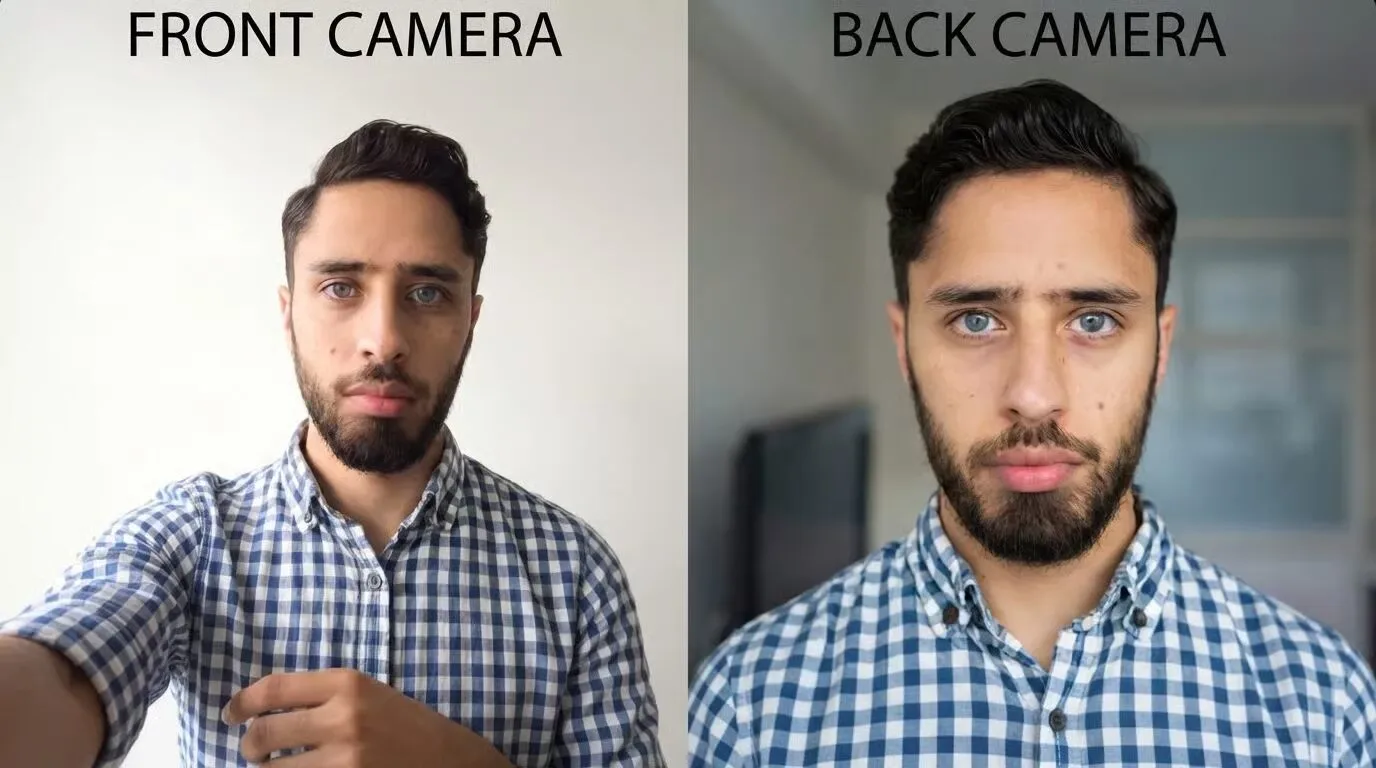
Which Camera Is More Accurate: Front Camera vs. Back Camera?

You raise the phone, tap the shutter, and cringe. The face on the screen looks nothing like the person you saw in the bathroom mirror ten minutes ago. You flip to the back camera, snap again, and somehow it feels like a third stranger. Same face, same lighting, same device — three different “yous.” The …

look-better-in-the-mirror

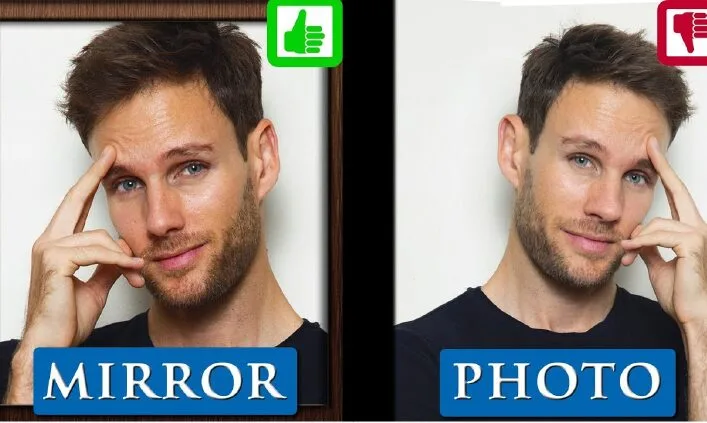
Why Do I Look Worse in Photos Than in Real Life? (10 Reasons + Fixes)

Quick Answer You look worse in photos than in real life because of ten combined factors: the mere-exposure effect that biases you toward your mirror image, wide-angle lens distortion on selfies, unflattering focal length compression, harsh overhead lighting, awkward camera angles, forced expressions, poor posture, distracting backgrounds, wardrobe choices, and the frozen-frame effect that captures …

Image Formats Compared: JPEG vs PNG vs WebP vs HEIC

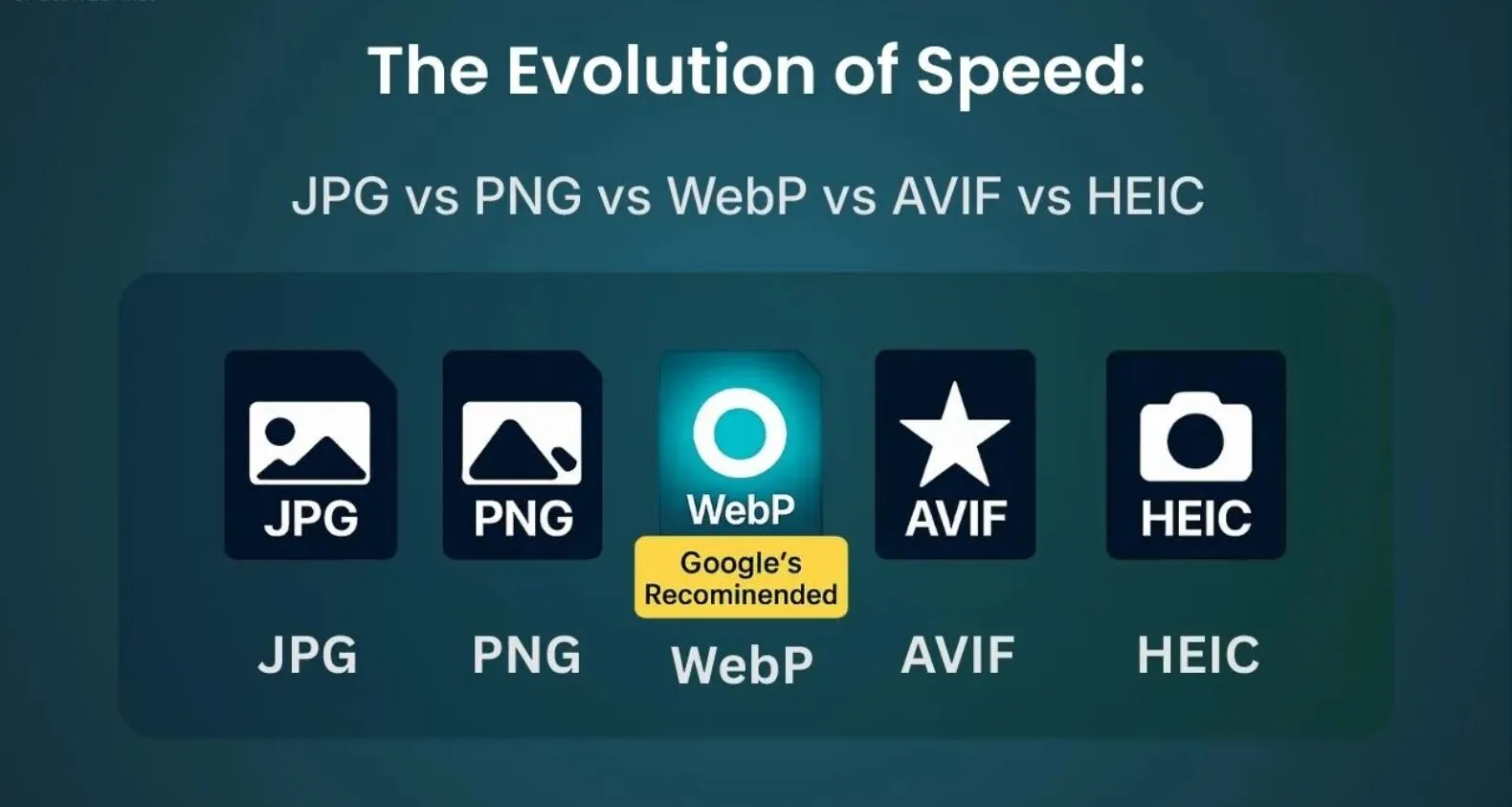
Image Formats Compared: JPEG vs PNG vs WebP vs HEIC 2026

Introduction: Why This Choice Matters More Than You Think Every photo on your phone, every product shot on your store, and every hero image on your homepage lives inside a container called a file format. That container decides how sharp the picture looks, how quickly the page loads, and how much storage you burn through …

Top 10 Best Compact Cameras With Viewfinder

Best Compact Camera With Viewfinder in 2026: Top 10 Picks

Compact cameras are enjoying a full-blown renaissance in 2026, and the models that stand out share one classic feature: a proper viewfinder. Smartphone screens wash out in daylight, arms tire quickly at eye level, and touchscreens invite fingerprints and misfocused shots. A viewfinder solves all three problems inside a single tiny window. Photographers now demand …

Fix Grainy Photos: Pro Tips, AI Denoise & Camera Settings

🎯 Quick Answer: Fix Grainy Photos in 30 Seconds Run AI-powered noise reduction on a RAW file — Adobe Lightroom Denoise, DxO PureRAW 6, or Topaz Photo AI — after you correct exposure and white balance, then re-apply masked sharpening. For everyday shots, Lightroom’s Denoise slider at 40–50 removes 90%+ of visible noise instantly. To …