Distraction removal
Dust, spots, and small blemishes go.
Service
Dust, scratches, sensor spots, and small distractions removed without a plastic finish.
Get a Quote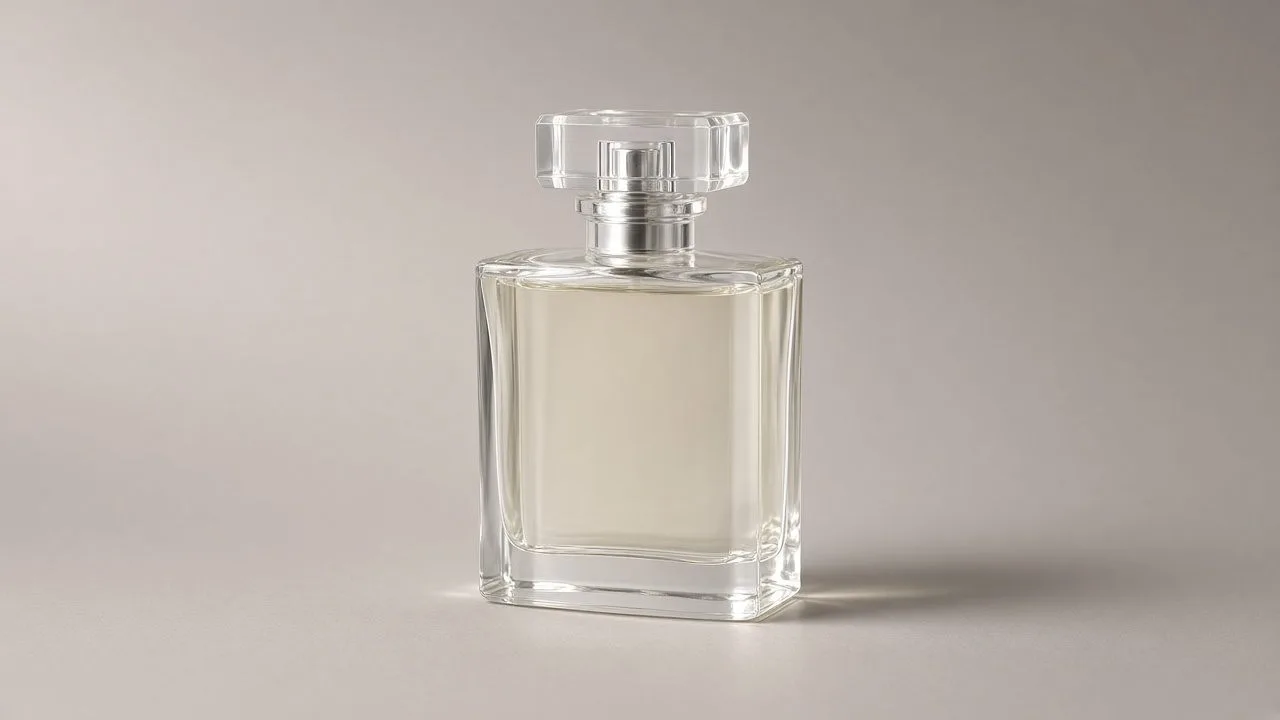
Retouching here means removing what the camera or the set added: dust, scratches, a scuff, a sensor spot. It does not mean sanding the subject into plastic. Skin keeps pores. Metal keeps grain.
Dust, spots, and small blemishes go.
The surface still looks like a surface.
We do not shift a product color unless that is a separate request.
A light pass on tone and stray hair. The person is unchanged.
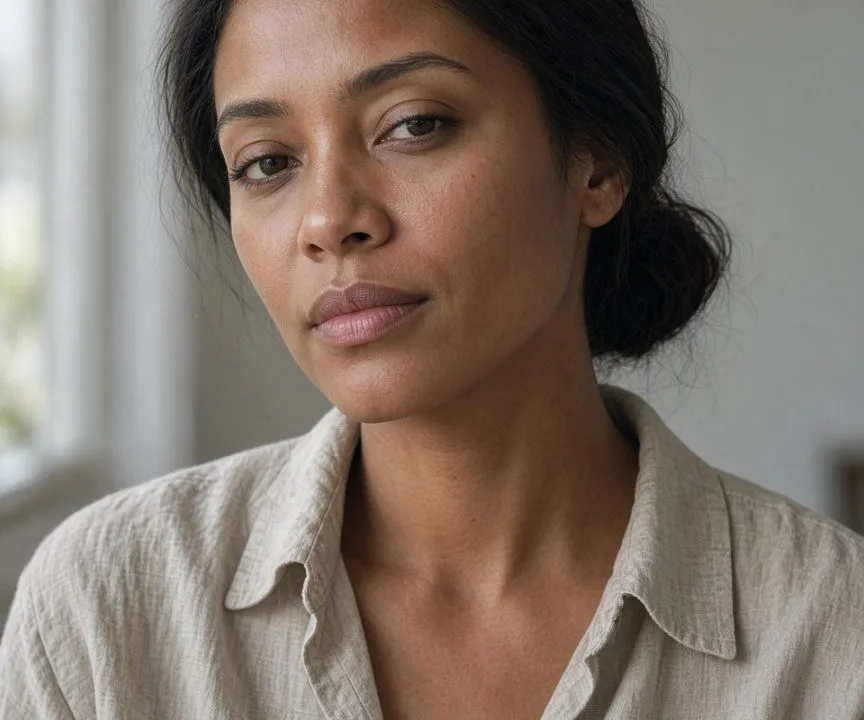

We review at 100%, not at a thumbnail.
Healing can stay on a layer if you want to see it.
Mark the spots you care about.
Send the images and say where they will be used.
We confirm scope, format, and timing in the quote.
Editors complete the file and check it at full size.
You review. Changes that were part of the quote are included.
Every file is reviewed at 100% before it is sent. A public page is not a promise of a turnaround. The quote is.
JPG, PNG, TIFF, and PSD are typical. Say if the destination needs a specific format back.
No. Scope is confirmed first.
For a plain background or a simple crop, often yes. For a catalog, hair, jewelry, or a set that must match, use the service.
Next step
Include volume and a deadline if you have one. The reply confirms scope before work starts.