How to Add Watermarks to Photos: Protect Your Work Without Ruining It
TL;DR: The Short Answer A watermark is a visible or invisible mark on a photo that asserts ownership and deters casual theft. Visible watermarks come in two forms:…
TL;DR: The Short Answer A watermark is a visible or invisible mark on a photo that asserts ownership and deters casual theft. Visible watermarks come in two forms:…
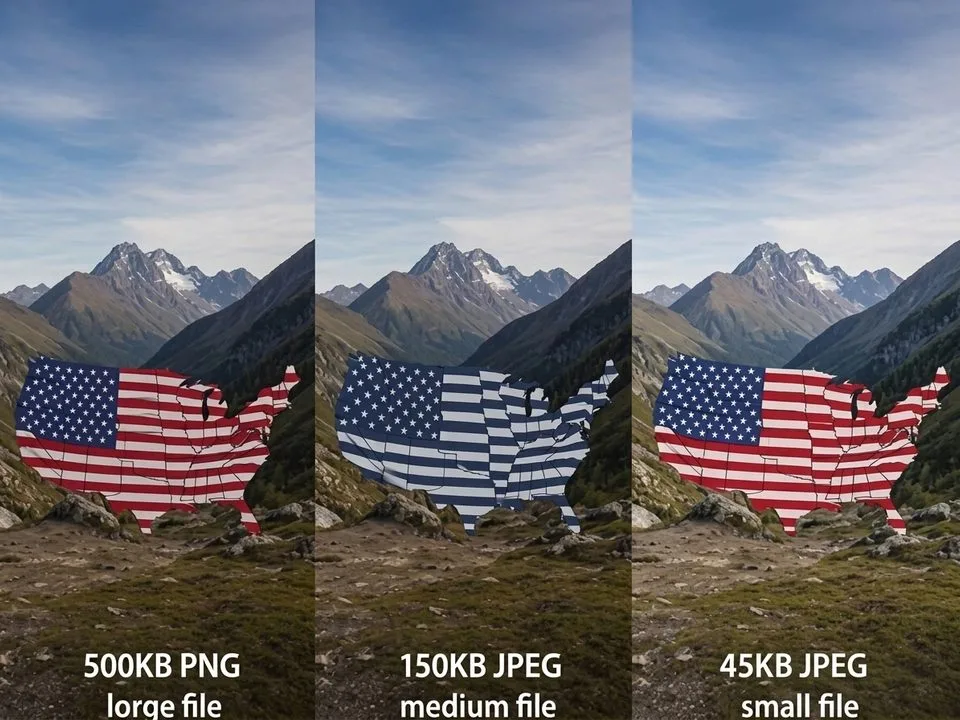
TL;DR: The Short Answer You can cut image file size by 60–80% with zero visible quality loss — if you do it in the right order. Step one,…
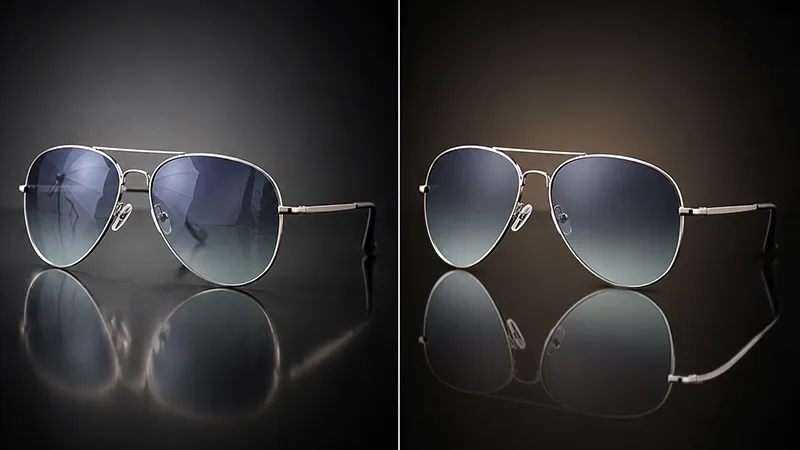
TL;DR: The Short Answer Reflections come in types, and the type determines the fix. Window/glass reflections: try Photoshop’s dedicated Reflection Removal tool (Edit > Reflection Removal, 2024+) first…
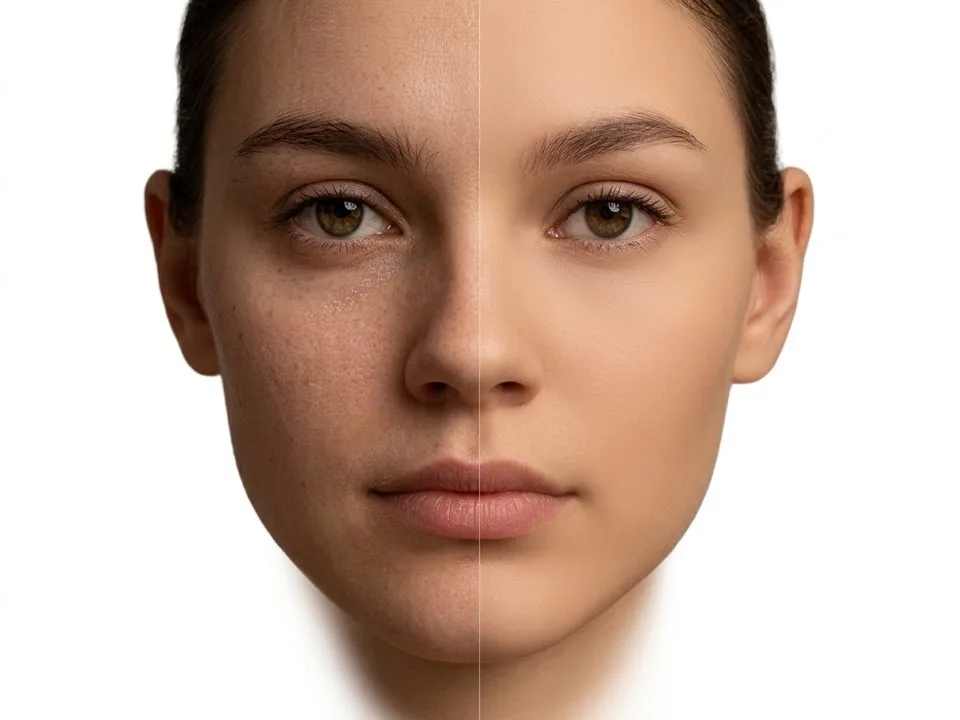
TL;DR: The Short Answer Natural skin smoothing has one golden rule: smooth the tone, preserve the texture. Pores, freckles, and fine lines are what make skin look human…
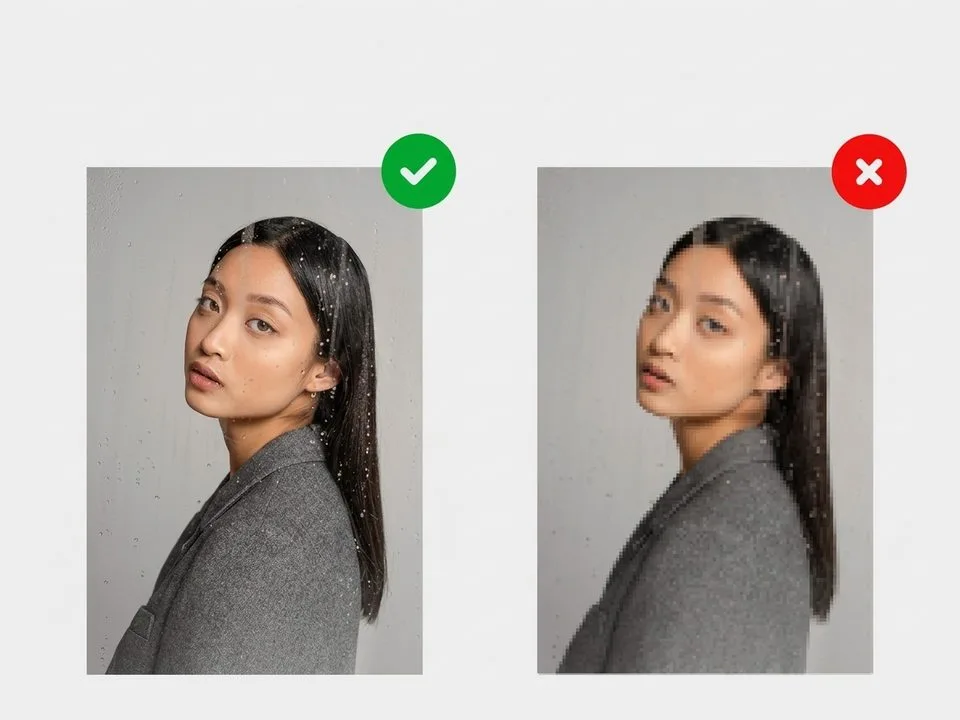
TL;DR: The Short Answer Photos lose quality when sent because every messaging app and carrier compresses photos to save bandwidth and storage — it’s not your camera, and…
TL;DR: The Short Answer Facebook photos look blurry because Facebook caps every photo at 2048px on the longest edge and re-encodes it at roughly JPEG quality 85 —…
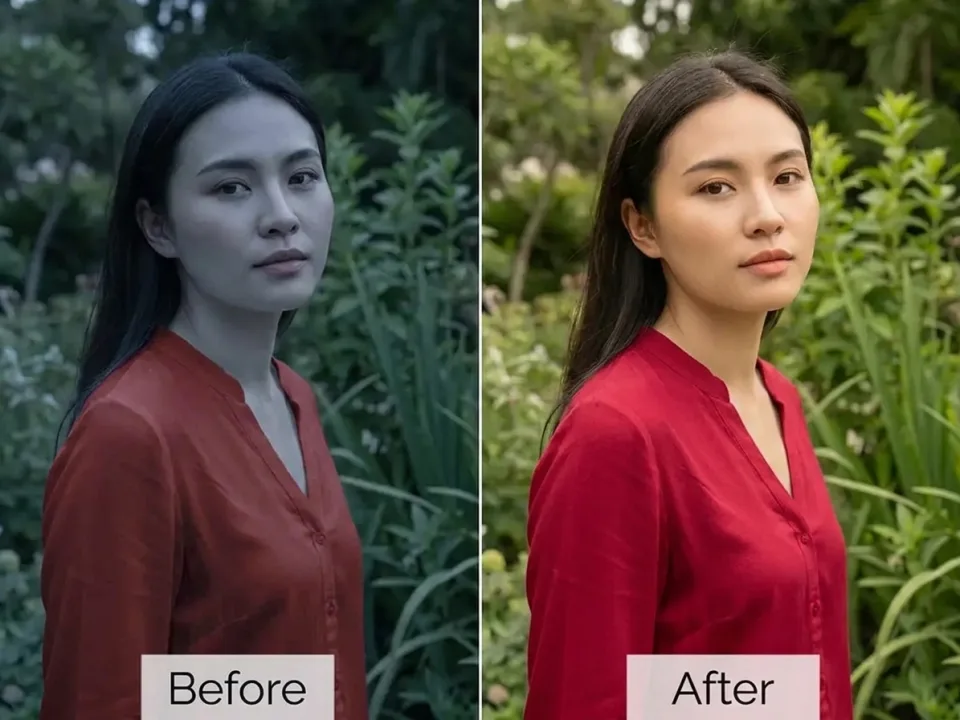
TL;DR: The Short Answer A color cast is an unwanted tint — yellow from tungsten bulbs, blue from shade, green from fluorescent lights, yellow/magenta from old photos —…
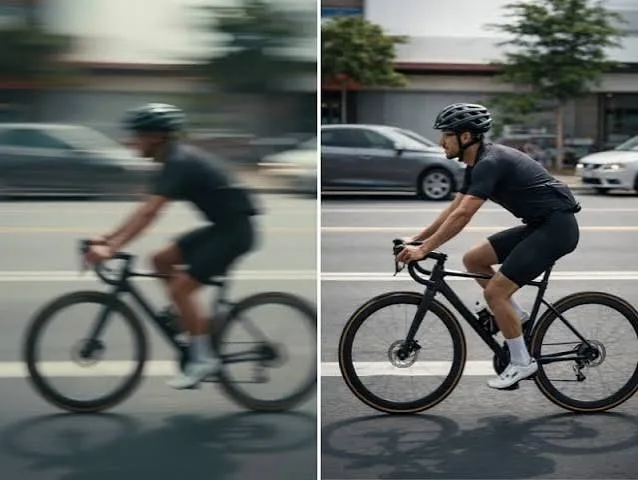
TL;DR: The Short Answer Motion blur happens when the shutter stays open too long and something moves — either your hands (camera shake, whole frame streaked) or the…
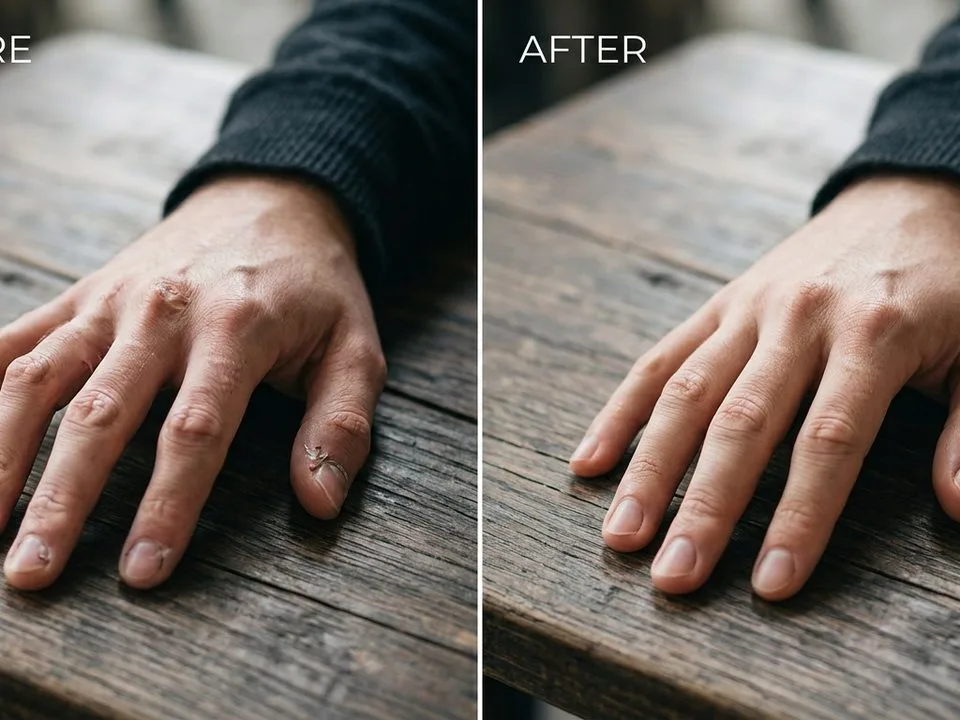
TL;DR: The Short Answer AI images fail in predictable ways: extra/fused fingers (#1 flaw), distorted/asymmetric faces, garbled text, extra limbs, waxy plastic skin, blurry hair edges, and object…
TL;DR: The Short Answer Instagram photos look blurry because Instagram runs every upload through a four-pass pipeline: (1) resize to exactly 1080px wide, (2) crop to an allowed…