WhatsApp Image Sizes 2026: DP, Status, HD Quality, Stickers & Business Catalog

TL;DR: The Short Answer
WhatsApp has no single “image size” — it has three quality tiers, and which one you choose matters more than the pixel dimensions. Standard quality compresses every photo to roughly 1600px on the long side (a 12MP phone photo becomes ~1600×1200, 80–200KB). HD quality (the HD button when selecting a photo, or set as default in Settings > Storage and data > Media upload quality) preserves up to ~4096px wide (4096×2692), 500KB–2MB — better, but still re-encoded, not original. Send as Document is the only zero-loss path: WhatsApp does not touch it, it arrives bit-for-bit identical, up to 2GB per file.
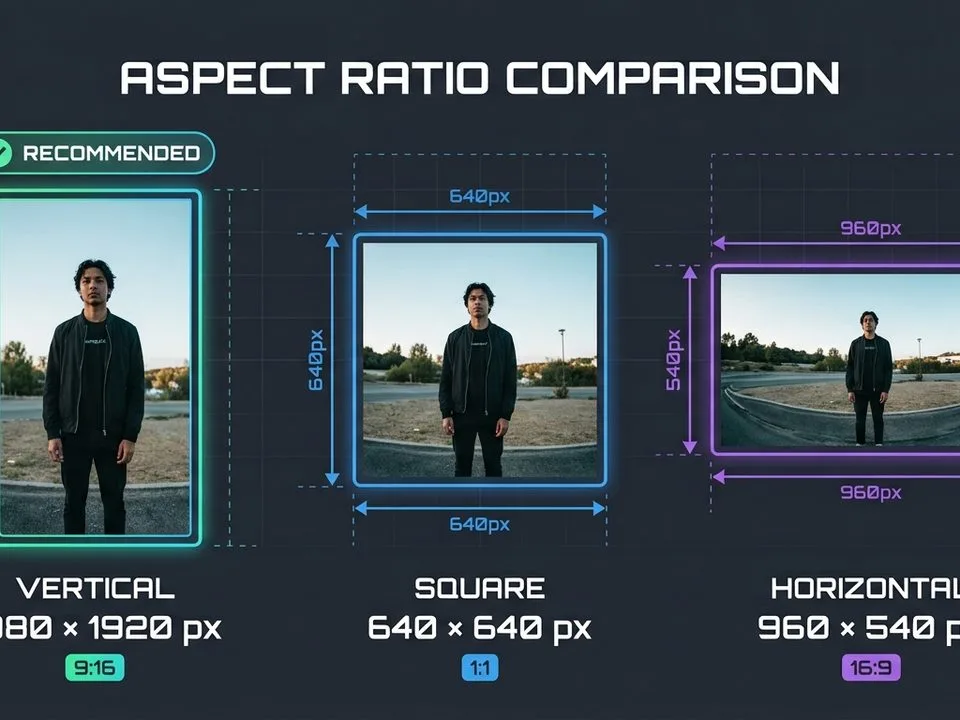
For display sizes: profile photo (DP) is 500×500 minimum (upload 1080×1080), circle-cropped. Status is 1080×1920 (9:16), max 16MB, video up to 90 seconds (extended from 60s in 2025). Stickers must be exactly 512×512, WebP only, ≤100KB static — sending a WebP as a regular photo fails with an upload error. WhatsApp Business catalog: 1080×1080 square, min 500×500, JPG/PNG, max 5MB, up to 10 images per product. File caps: 16MB for media (photo/video), 2GB for documents.
The Master WhatsApp Size Table (2026)
| Format | Size (px) | Aspect ratio | Max file | Notes |
|---|---|---|---|---|
| Profile photo (DP) | 500×500 min (upload 1080×1080) | 1:1 | ~5MB | Circle-cropped; stored at ~640×640 |
| Group icon | 500×500 | 1:1 | ~5MB | Same rules as DP |
| Status image | 1080×1920 | 9:16 | 16MB | Safe zone ~1080×1350 center |
| Status video | 1080×1920 | 9:16 | 16MB | Up to 90 seconds (2025 extension) |
| Chat photo — Standard | ~1600×1200 max | any | ~16MB (compressed to 80–200KB) | Auto-compressed |
| Chat photo — HD | up to 4096×2692 | any | ~16MB (500KB–2MB) | Still re-encoded |
| Chat photo — Document | original resolution | any | 2GB | Zero compression, original file |
| Chat video | 1920×1080 (16:9) or 1080×1920 (9:16) | any | 16MB (~90s) | MP4 H.264; HD 720p/1080p |
| Sticker (static) | exactly 512×512 | 1:1 | 100KB | WebP only, transparent bg |
| Animated sticker | exactly 512×512 | 1:1 | 500KB | Animated WebP, ≤10s loop |
| Business catalog image | 1080×1080 (min 500×500) | 1:1 | 5MB (some 8MB) | Up to 10 images/videos per product |
| Business API carousel | 1125×600 | 1.91:1 | 5MB/card | Mandatory ratio |
| Link preview (og:image) | 1200×630 | 1.91:1 | — | Pulled from website meta tags |
The Three Quality Tiers (The Part Everyone Gets Wrong)
WhatsApp does not have “one” image size for chat photos — it has three delivery modes, and most people never move past the worst one:
- Standard (default): Every photo is re-encoded and downscaled to roughly 1600px on the long side, compressed to 80–200KB. A 4032×3024 iPhone photo arrives as ~1600×1200. Fine for quick snapshots, useless for printing or professional sharing.
- HD (per-photo button or default setting): Tap the HD button at the top of the screen after selecting a photo, or set Settings > Storage and data > Media upload quality > HD quality as the default. HD preserves up to ~4096px wide (4096×2692) and 500KB–2MB. Still re-encoded — not the original file — but visibly sharper when zoomed.
- Document (only true original): Attach via Document > Browse (not Gallery). WhatsApp does not compress or re-encode documents. The recipient gets the exact original file, up to 2GB. This is the only way to send a photo for printing, retouching, or archiving.
Device difference in HD (verified by independent tests): HD is not equal across devices. iPhone app preserved up to 5120px; Mac desktop 4160px; Android phones ~3120px; WhatsApp Web only 2560px. All still re-encode. Only Document mode is truly original on every platform. For archiving or professional work, send as Document — or send a cloud-storage link. A guide to how many pictures a 32GB card holds puts file sizes in perspective — a 12MB original JPG is trivial to send as a Document.
Profile Photo (DP): Circle Crop + 640px Storage
WhatsApp does not publish a formal DP spec, but observed upload behavior in 2026 is consistent:
- Minimum: 192×192. Recommended upload: 500×500. Best quality: 1080×1080. WhatsApp stores profile photos at roughly 640×640 and displays them as a circle.
- Circle crop: corners vanish. Keep your face or logo within the central 80% of the square. Off-center faces get clipped.
- WhatsApp converts PNG to JPG internally — transparency is not preserved. Flatten onto a solid background.
- For a clean profile photo with a plain background, a guide to remove background best methods covers the options; a guide to photo retouching covers subtle portrait polish.
Status: 1080×1920 with a Safe Zone
WhatsApp Status (the 24-hour disappearing story) is full-screen vertical:
- Size: 1080×1920 (9:16). Max 16MB. JPG/PNG for images; MP4 H.264 for video.
- Status video: up to 90 seconds (extended from 60 seconds in 2025). Longer videos get split into 90-second segments automatically.
- Safe zone: keep important content in the center ~1080×1350 (or 1080×1420). The top ~10% holds the contact name/timestamp; the bottom ~25% holds the reply bar, caption, and progress dots. Text in those zones gets covered.
- Status photos are compressed — upload at exactly 1080×1920 to minimize re-compression.
Stickers: The WebP-Only Trap
WhatsApp stickers have strict, non-negotiable specs — and getting them wrong produces a silent failure:
- Exactly 512×512 pixels. No exceptions.
- WebP format only. Static stickers: ≤100KB. Animated stickers: ≤500KB, Animated WebP, ≤10-second loop.
- Transparent background required. A white-background sticker will show a white box.
- Critical: WebP is only supported as a sticker. Sending a WebP file as a regular photo through the API returns error 131053 (media upload error). Convert WebP to JPEG/PNG for regular photo messages.
WhatsApp Business: Catalog & API Sizes
If you sell through WhatsApp Business, the catalog has its own rules:
- Catalog product images: 1080×1080 (1:1 square) recommended. Minimum 500×500. Other ratios get cropped to square thumbnails. JPG/PNG only. Max 5MB (some regions 8MB).
- Up to 10 images or videos per product. Catalog videos: up to 50MB.
- Main image: show the full product, sharp, centered. Small images (<400×400) look pixelated and may be rejected.
- Business API carousel cards: 1125×600 (1.91:1), 5MB per image — ratio is mandatory. All cards must use the same ratio.
- For product photos destined for catalog, a guide to shadow creation for ecommerce adds the subtle drop shadow that makes square catalog shots look professional.
Export Settings for WhatsApp (By Use Case)
- Quick snapshot (Standard): No prep needed — WhatsApp compresses it. But if you’re sending from a computer, resize to ~1600px wide first to control the compression yourself (JPEG quality 80) rather than letting WhatsApp do it blindly.
- HD sharing: Export at native resolution, JPEG quality 90, sRGB. Tap the HD button. Expect ~1MB file.
- Original quality (print/pro): Send as Document. No export changes needed — the original file arrives intact.
- Status: Export at exactly 1080×1920, JPEG 85, keep text in the center safe zone.
- DP: Crop square 1:1, face centered, 1080×1080, flatten transparency.
- Stickers: 512×512, WebP, transparent, ≤100KB. Use a WebP converter.
5 Common WhatsApp Sizing Mistakes
- Sending important photos as Standard (default). They arrive at ~1600px — too small for printing or zooming. Use HD or Document.
- Thinking HD = original. HD still re-encodes. Only Document mode is lossless.
- Sending WebP as a regular photo. Fails silently (error 131053 on API). WebP is for stickers only.
- Non-square catalog images. Cropped to square thumbnails — product gets cut off. Use 1:1.
- Text at the top/bottom of Status images. Covered by UI. Keep text in the center ~1080×1350.
Frequently Asked Questions
What is the best WhatsApp profile picture (DP) size?
500×500 pixels minimum; upload at 1080×1080 for best quality. WhatsApp stores it at roughly 640×640 and displays it as a circle. Keep your face or logo within the central 80% of the square — corners are clipped by the circle mask. Max file size ~5MB.
What size is a WhatsApp Status image?
1080×1920 pixels (9:16 vertical), max 16MB. Status videos can be up to 90 seconds (extended from 60 in 2025). Keep important text and faces in the center ~1080×1350 safe zone — the top holds the contact name and the bottom holds the reply bar.
How do I send HD photos on WhatsApp?
Select the photo in a chat, then tap the HD button at the top of the screen and choose HD Quality. Or set it as default: Settings > Storage and data > Media upload quality > HD quality. HD preserves up to ~4096px wide, but still re-encodes the file. For true original quality, send as Document.
What is the difference between HD and sending as Document?
HD re-encodes the photo (still compressed, just less) and preserves up to ~4096px. Document mode sends the exact original file with zero compression, up to 2GB. HD resolution also varies by device (iPhone ~5120px, Web ~2560px); Document is identical on every platform.
What is the maximum file size on WhatsApp?
Media (photos and videos sent as gallery attachments): 16MB. Documents (including photos sent as Document): up to 2GB. WhatsApp Business catalog videos: up to 50MB. Animated stickers: 500KB.
What size are WhatsApp stickers?
Exactly 512×512 pixels, WebP format only. Static stickers: max 100KB. Animated stickers: max 500KB, max 10-second loop. Transparent background required. WebP is only supported as stickers — sending WebP as a regular photo fails with a media upload error.
What size are WhatsApp Business catalog images?
1080×1080 pixels (1:1 square) recommended, minimum 500×500. JPG or PNG, max 5MB (some regions 8MB). Up to 10 images or videos per product. Non-square images get cropped to square thumbnails. Business API carousel cards must be 1125×600 (1.91:1), 5MB each.
Why do WhatsApp photos look blurry?
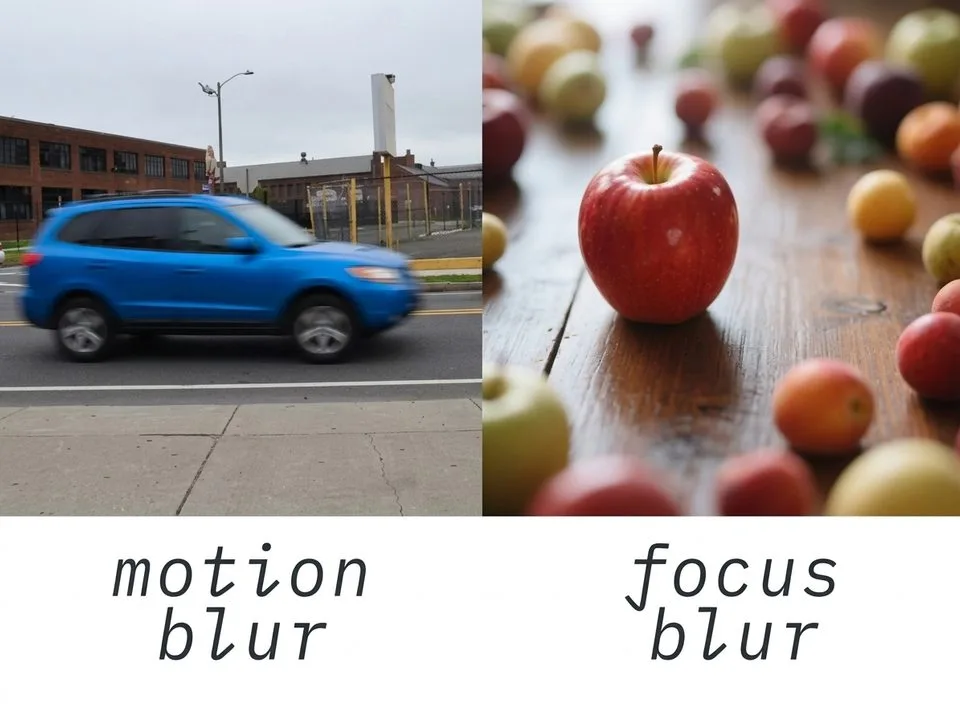
Because Standard quality compresses every photo to ~1600px and 80–200KB. Use the HD button for sharper results, or send as Document for original quality. Also check your default: Settings > Storage and data > Media upload quality — if it’s set to Auto or Data-saver, photos are compressed more aggressively.
Final Verdict
WhatsApp sizing is three numbers and three tiers. The numbers: 500×500 (DP, circle), 1080×1920 (Status), 512×512 WebP (stickers). The tiers: Standard (~1600px, heavy compression), HD (up to 4096px, still re-encoded), Document (original, zero loss, up to 2GB). For Business catalog, use 1080×1080 square. Choose HD by default for everyday sharing and Document for anything that matters — printing, professional work, archiving. Do that, and your WhatsApp photos will never look like “grain salad” again.