KB vs MB: Which Is Bigger? (1000 vs 1024 Explained)
TL;DR: The Short Answer
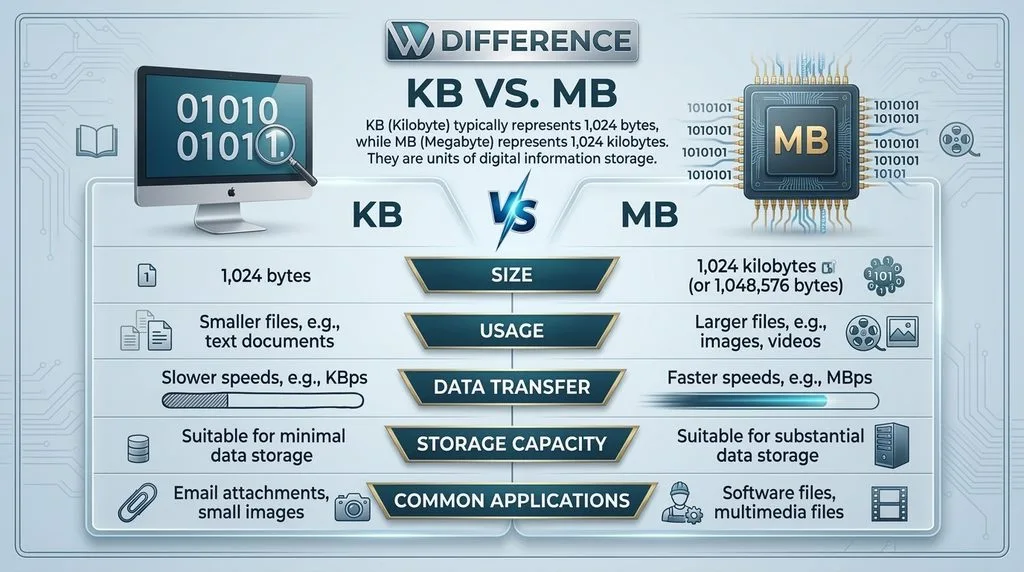
No — KB is not bigger than MB. A megabyte (MB) is 1000 times larger than a kilobyte (KB) in the decimal system most manufacturers use, or 1024 times larger in the binary system your computer actually uses. The order from smallest to largest is: Byte → Kilobyte (KB) → Megabyte (MB) → Gigabyte (GB) → Terabyte (TB). If you remember nothing else, remember this: the further you go down the alphabet (K, M, G, T), the bigger the unit. The confusion comes from two places: (1) two different rulers — manufacturers count in 1000s, your operating system counts in 1024s — which is exactly why a “1TB” hard drive shows up as only 931GB on your computer, and (2) the lowercase b — internet speed is measured in megabits (Mb, lowercase b), file size in megabytes (MB, uppercase B), and 8 bits = 1 byte, so a 100 Mbps connection downloads about 12.5 MB per second, not 100.
The Direct Answer: Which Is Bigger, KB or MB?
MB is bigger. Always. The prefixes come from the metric system: kilo means one thousand, mega means one million. So:
- 1 Kilobyte (KB) = roughly one thousand bytes (about a paragraph of text)
- 1 Megabyte (MB) = roughly one million bytes = about one thousand kilobytes (about a minute of MP3 audio or a smartphone photo)
If a file is 500 KB, that’s half an MB. If it’s 2500 KB, that’s 2.5 MB. To convert KB to MB, divide by 1000 (or 1024 if you want the binary number your computer uses). To convert MB to KB, multiply by 1000. That’s the whole answer — but the reason people get confused is that “1000” and “1024” get used interchangeably, and the difference adds up fast.
The Two Rulers: Why 1000 and 1024 Both Get Used
This is the part almost every quick answer skips, and it explains every “missing storage” mystery you’ve ever seen.
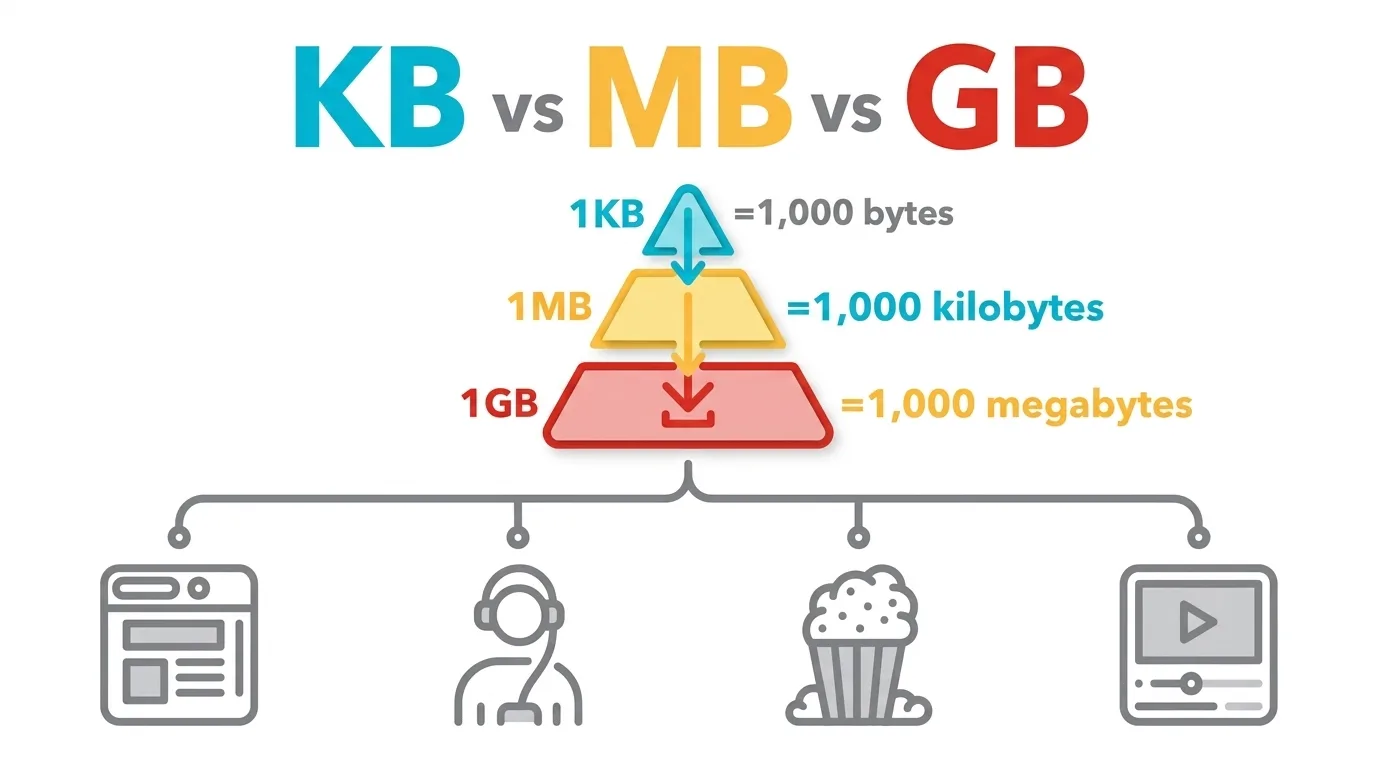
Ruler #1 — Decimal (SI / base-10): Used by hard drive manufacturers, SSD makers, USB stick labels, cloud storage plans, and internet providers. Clean powers of ten.
- 1 KB = 1,000 bytes
- 1 MB = 1,000 KB = 1,000,000 bytes
- 1 GB = 1,000 MB = 1,000,000,000 bytes
- 1 TB = 1,000 GB = 1,000,000,000,000 bytes
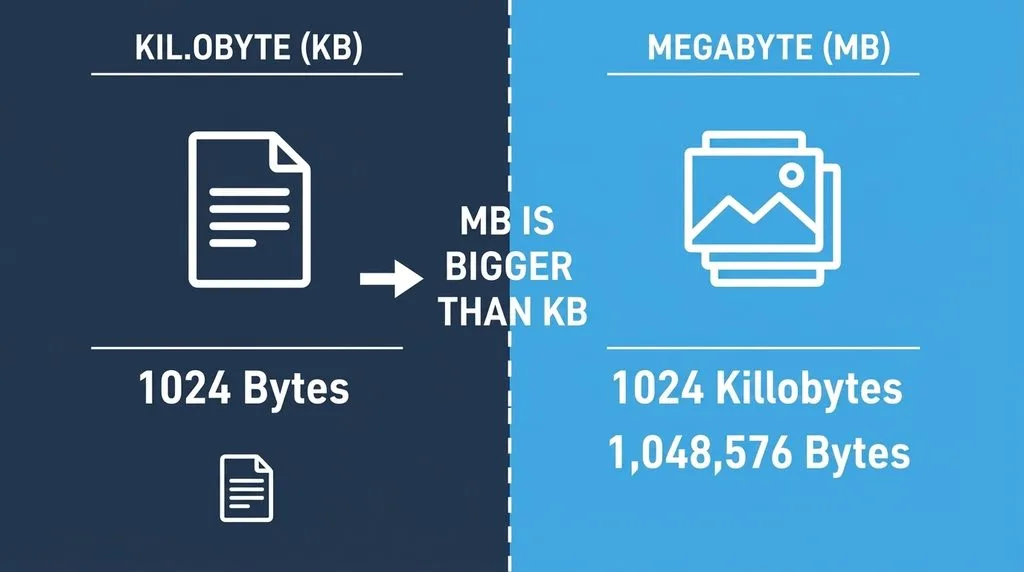
Ruler #2 — Binary (base-2): Used by your operating system (Windows, macOS, Linux), RAM, and most software. Computers count in powers of two, and the closest power of two to 1000 is 2^10 = 1024.
- 1 KB (as Windows reports it) = 1,024 bytes
- 1 MB (as Windows reports it) = 1,024 KB = 1,048,576 bytes
- 1 GB (as Windows reports it) = 1,024 MB = 1,073,741,824 bytes
The difference per step is only 2.4%, but it compounds. At the gigabyte level it’s 7.4%, and at the terabyte level it’s about 9.3%. That’s why a “1 TB” drive (1,000,000,000,000 decimal bytes) shows up as ~931 GB in Windows — Windows divides by 1024^3 and labels the result “GB” instead of the technically correct “GiB.” Nothing is missing; you’re just reading two different rulers. In 1998, the International Electrotechnical Commission tried to fix this by introducing KiB, MiB, GiB (kibibyte, mebibyte, gibibyte) for the binary versions, so KB/MB/GB would strictly mean 1000. Most operating systems never adopted the labels, so the ambiguity lives on. For everyday file sizes (KB to MB), the 2.4% difference rarely matters — but for drive capacity, it’s the whole 69GB “missing.”
The Lowercase b: Megabits vs Megabytes (Mbps vs MBps)
This is the second big trap, and it costs people real money when they pick an internet plan. Uppercase B = Bytes (file size). Lowercase b = bits (network speed). 8 bits = 1 byte.
- Mbps = megabits per second — how your internet speed is advertised (50 Mbps, 100 Mbps, 1 Gbps)
- MBps or MB/s = megabytes per second — how fast a file actually downloads to your disk
The conversion is simple: divide Mbps by 8 to get MB/s. So a 100 Mbps plan downloads at ~12.5 MB/s. A 5 MB song takes about 0.4 seconds; a 5 GB movie takes about 6–7 minutes. If you thought 100 Mbps meant 100 MB per second, your downloads would feel 8× slower than expected — and that’s the confusion ISPs quietly profit from. Always check the capitalization. Stanford’s intro to bits and bytes walks through the math with real examples.
The Full Size Ladder: From Bytes to Terabytes (and Beyond)
Here’s the complete order with both decimal and binary values, so you never have to guess again:
| Unit | Decimal (SI) | Binary (OS uses this) | Holds roughly |
|---|---|---|---|
| 1 Byte | 8 bits | 8 bits | One character (letter “A”) |
| 1 KB | 1,000 bytes | 1,024 bytes | A paragraph of text; a tiny thumbnail |
| 1 MB | 1,000 KB | 1,024 KB | 1 minute MP3; a smartphone photo; 500 pages of text |
| 1 GB | 1,000 MB | 1,024 MB | HD movie (4–8GB); 250 photos; a phone app |
| 1 TB | 1,000 GB | 1,024 GB | ~250,000 photos; 500 hours of video; a whole computer backup |
| 1 PB | 1,000 TB | 1,024 TB | Data-center scale; you’ll likely never own one |
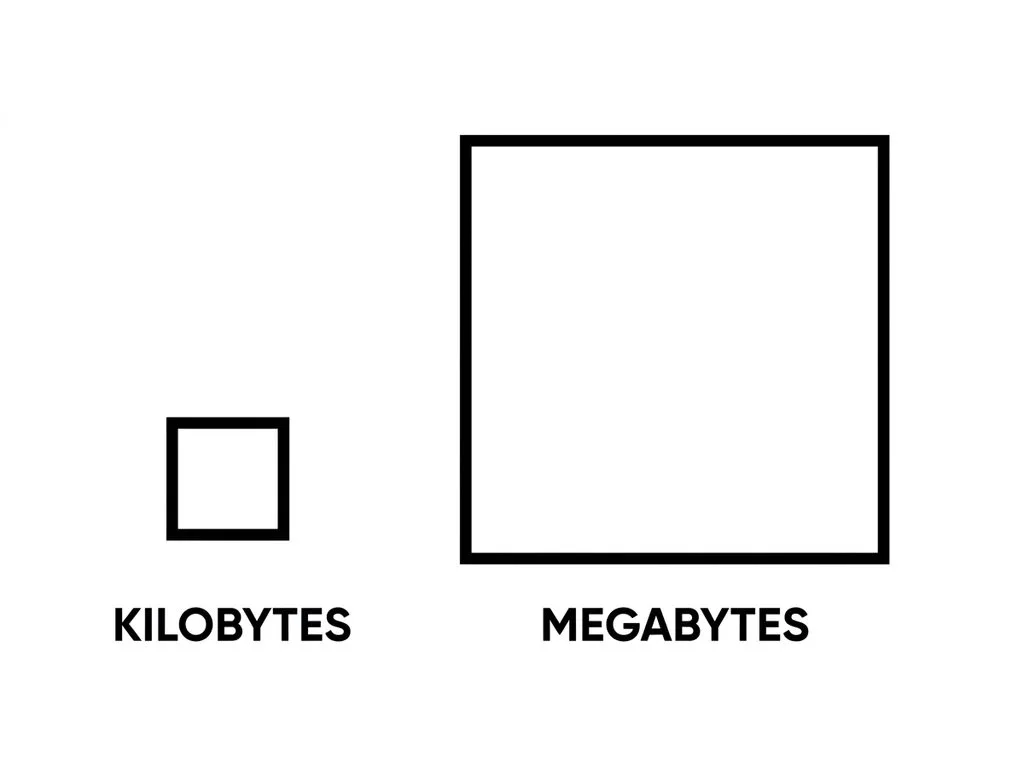
Each step up is roughly a thousand times the previous one. That’s the scale people underestimate: a 1 TB drive holds about a million times more than a 1 MB file. When you’re jumping several rungs at once — say planning storage from GB to TB — the math gets easier with a quick converter that handles both decimal and binary so you don’t have to remember which ruler applies.
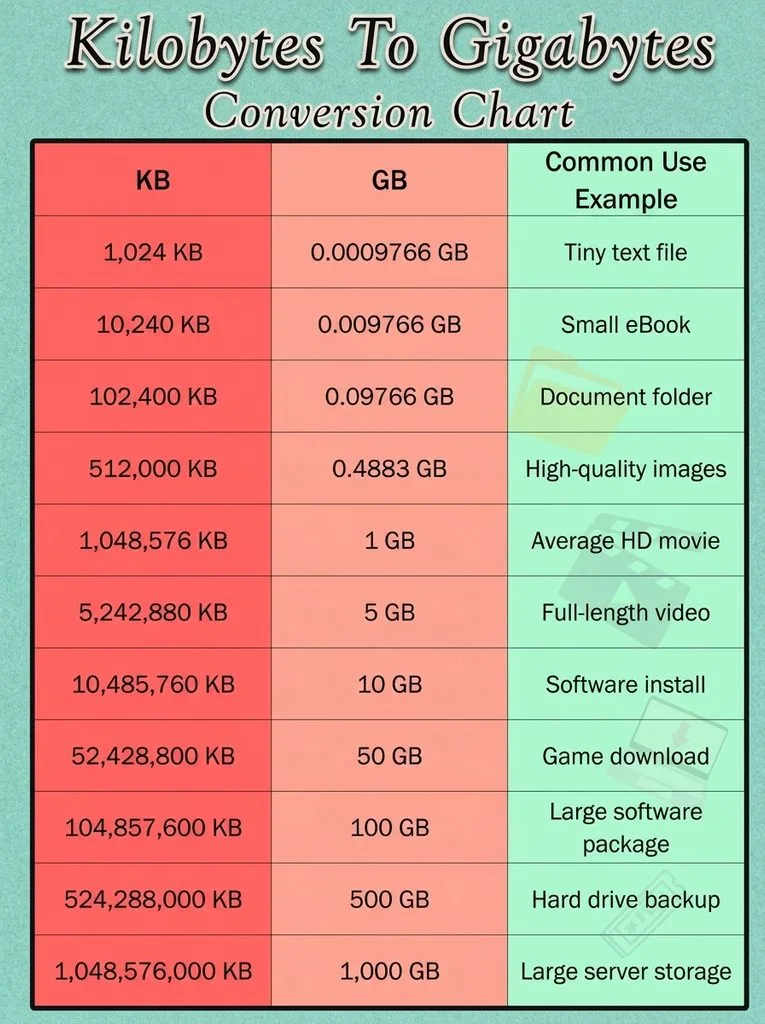
Real-World File Sizes: What Lives in KB vs MB vs GB
The abstract numbers make sense once you attach them to files you actually use:
| File type | Typical size | Unit you’ll see |
|---|---|---|
| Plain-text email | ~10 KB | KB |
| Word document (text only) | 25–50 KB | KB |
| Scanned PDF page | 100–300 KB | KB–MB |
| Web-optimized photo | 100–500 KB | KB–MB |
| Smartphone JPEG photo | 3–8 MB | MB |
| MP3 song (3–4 min) | 3–5 MB | MB |
| RAW camera photo | 20–60 MB | MB |
| 1080p video (1 minute) | 50–150 MB | MB |
| 4K video (1 minute) | 200–500 MB | MB–GB |
| HD movie (2 hours) | 4–8 GB | GB |
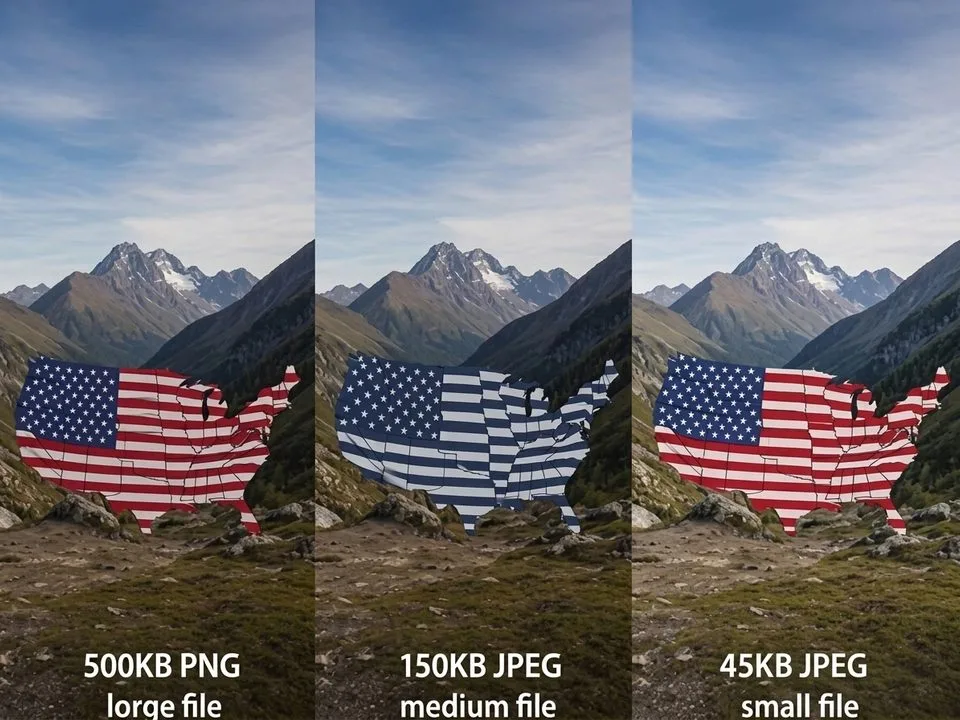
Notice the pattern: documents and web graphics live in KB; photos, music, and apps live in MB; video and games live in GB. If a website tells you an image must be “under 200 KB,” that’s a web-optimized photo — a full-resolution camera file (5 MB) is 25× too big. The format you choose matters too: a JPEG vs PNG vs WebP comparison shows the same photo can range from 200 KB to 5 MB depending on format and quality, which is why format choice is half the file-size battle.
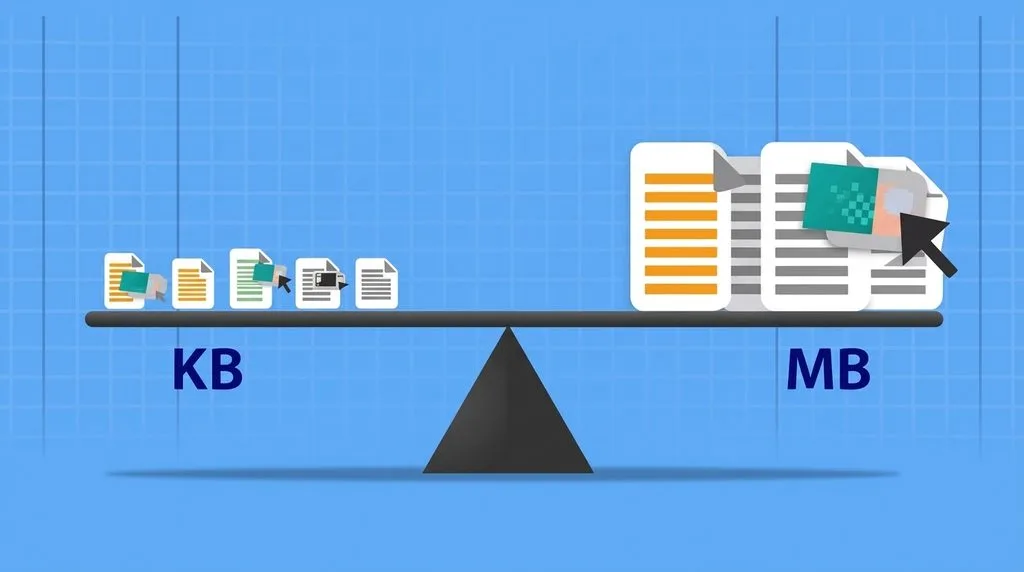
How to Convert KB to MB (and Back) — The 10-Second Math
You don’t need a calculator for most of this. Two formulas cover it:
- KB → MB: divide by 1000 (or 1024 for binary). Example: 4,500 KB ÷ 1000 = 4.5 MB.
- MB → KB: multiply by 1000. Example: 6 MB × 1000 = 6,000 KB.
- MB → GB: divide by 1000. Example: 2,500 MB = 2.5 GB.
- Mbps → MB/s: divide by 8. Example: 50 Mbps ÷ 8 = 6.25 MB/s.
For anything non-round, or when you need to know both the decimal and binary value side by side, a KB to MB converter handles it instantly and removes the 1000-vs-1024 guesswork. If you’re resizing photos to hit a specific KB limit for a website upload, an image resizer lets you set dimensions and quality together — pixel dimensions, not DPI, are what actually determine file size for web images.
Storage Planning: How Many Photos, Songs, and Videos Fit?
This is where KB/MB/GB becomes practical. If you’re buying a memory card, phone, or cloud plan, here’s the rough math using average file sizes:
- 32 GB card: ~6,000–8,000 JPEG photos, or ~8,000 MP3 songs, or ~8 hours of 1080p video. A full breakdown of how many pictures a 32GB card holds varies by megapixel and format — RAW files eat 5–10× the space of JPEGs.
- 64 GB: double those numbers.
- 1 TB: ~250,000 JPEG photos, or ~250,000 songs, or ~500 hours of HD video — enough for most people’s entire digital life.
The trap people fall into: buying storage based on “today’s” files, then shooting 4K video six months later and running out. Video grows file sizes exponentially — one minute of 4K is roughly 10× one minute of 1080p. Lenovo’s kilobyte glossary and other vendor guides confirm these averages across device categories.
5 Common KB/MB Mistakes (and How to Avoid Them)
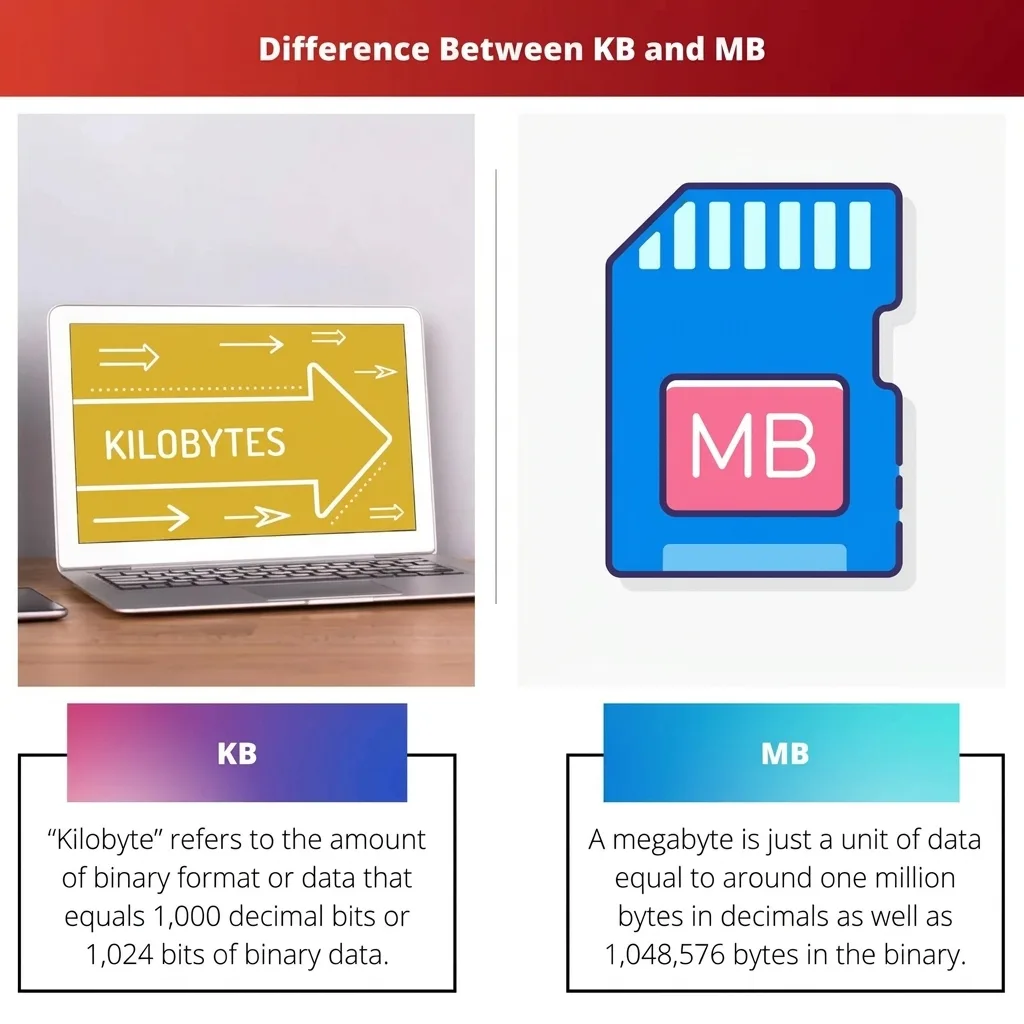
- Thinking KB is bigger because it comes first alphabetically. It doesn’t work that way. K (kilo = thousand) is smaller than M (mega = million). G (giga = billion) is bigger than both.
- Ignoring the lowercase b. 100 Mbps internet ≠ 100 MB/s. Divide by 8. This single mistake makes people think their internet is broken when it’s actually fine.
- Panicking that your 1TB drive “only” shows 931GB. It’s not broken — decimal marketing vs binary reporting. ~7–9% “shrinkage” is normal at every size.
- Uploading a 5MB camera photo to a site that wants 200KB. Resize and compress first. A 25× too-big file slows everything down and gets re-compressed by the site anyway (badly).
- Using 1024 for everything. Drive labels and cloud plans use 1000. Your OS uses 1024. Know which one you’re reading, especially when comparing advertised vs actual capacity.
Frequently Asked Questions
Is KB bigger than MB?
No. MB (megabyte) is bigger than KB (kilobyte). One MB equals 1,000 KB in decimal (manufacturers) or 1,024 KB in binary (your computer). Mega = million, kilo = thousand, so MB is roughly a thousand times larger.
How many KB are in an MB?
1,000 KB in the decimal (SI) system, or 1,024 KB in the binary system most operating systems use. For everyday file sizes the 2.4% difference rarely matters. For drive capacity, it compounds to ~7–9% — that’s the “missing space” on every hard drive.
Why does my 1TB hard drive only show 931GB?
Two measurement systems. Drive manufacturers label capacity in decimal (1 TB = 1,000,000,000,000 bytes). Windows (and most OSes) report in binary (divides by 1024^3 = 931 GiB) but labels it “GB.” Nothing is missing — the drive has exactly the bytes advertised; your computer is just using a different ruler.
What’s the difference between Mbps and MBps?
Mbps (lowercase b) = megabits per second, used for internet speed. MBps (uppercase B) = megabytes per second, used for file transfer. 8 bits = 1 byte, so divide Mbps by 8 to get real download speed. A 100 Mbps plan downloads at ~12.5 MB/s.
What is a KiB or MiB?
In 1998 the IEC introduced kibibyte (KiB = 1024 bytes), mebibyte (MiB = 1024 KiB), and gibibyte (GiB) to remove the 1000-vs-1024 ambiguity — KB/MB/GB would mean exactly 1000, and KiB/MiB/GiB would mean 1024. Most operating systems never adopted the new labels, so the confusion continues.
Is a KB file small or large?
Small. A kilobyte holds about a paragraph of plain text. Documents, thumbnails, and web graphics are measured in KB. Photos, music, and apps are measured in MB. Video and games are measured in GB. If a file is in KB, it’s almost certainly quick to download and email-friendly.
How do I reduce a photo from MB to KB?
Resize it to its display dimensions first (e.g., 1200px wide for a blog), then export as JPEG at quality 75–85% or as WebP. A 5MB camera photo typically becomes 100–300 KB with no visible quality loss at web sizes. Never just lower the DPI — DPI is metadata only and doesn’t change file size.
What comes after terabyte?
Petabyte (PB = 1,000 TB), then exabyte (EB), zettabyte (ZB), yottabyte (YB). You’ll encounter PB in data-center and cloud-scale discussions; consumer storage tops out at TB for the foreseeable future. Each step is roughly 1000× the previous one.
Final Verdict
MB is bigger than KB — by a factor of about a thousand. The only real confusion comes from two measurement systems (1000 vs 1024) that the industry never fully reconciled, and from the lowercase-b trap in internet speeds (Mbps vs MBps, divide by 8). Remember the ladder — Byte, KB, MB, GB, TB, each ~1000× the last — and you’ll never misjudge a file size, memory card, internet plan, or hard drive again. And if a “1TB” drive shows 931GB, relax: it’s working exactly as designed.