How to Fix Faded Photos: Restore Lost Color & Contrast (2026 Guide)
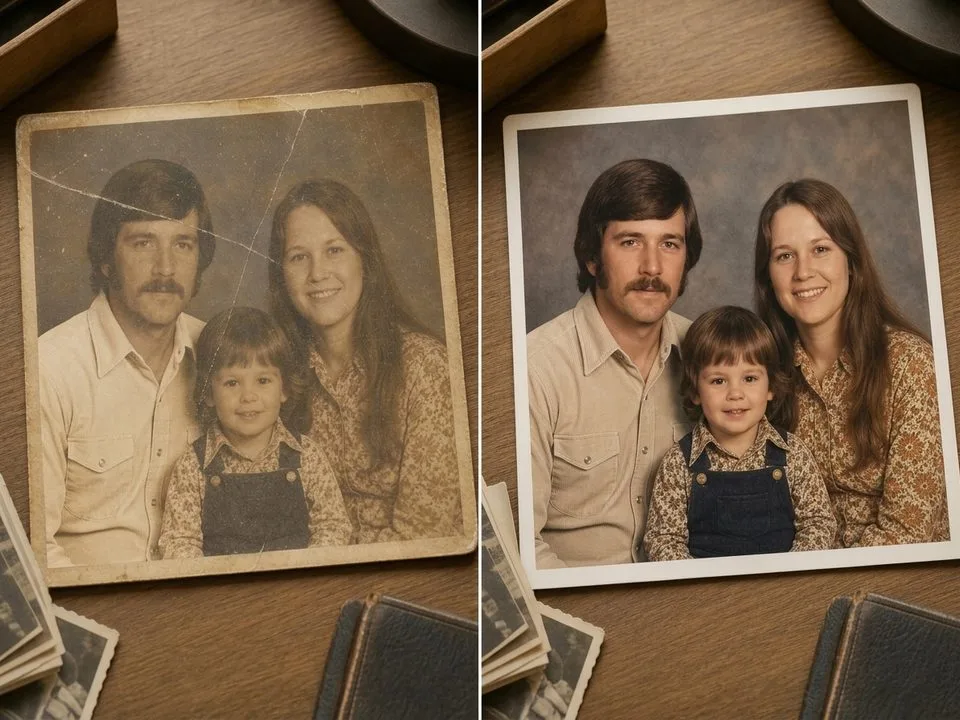
TL;DR: The Short Answer Fading follows predictable patterns — and you fix it by resetting what time removed. Scan at 600 DPI as a TIFF, then open Curves…
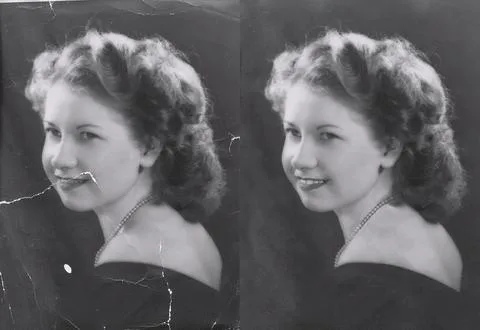
TL;DR: The Short Answer Fading follows predictable patterns — and you fix it by resetting what time removed. Scan at 600 DPI as a TIFF, then open Curves…
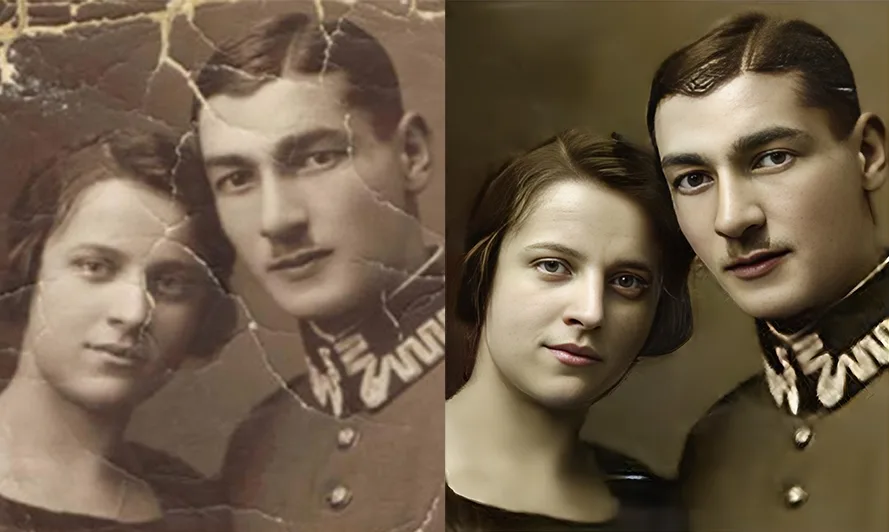
TL;DR: The Short Answer A damaged scan is usually fixable — but only if you repair the artifacts in the right order. Straighten and crop first, fix the…
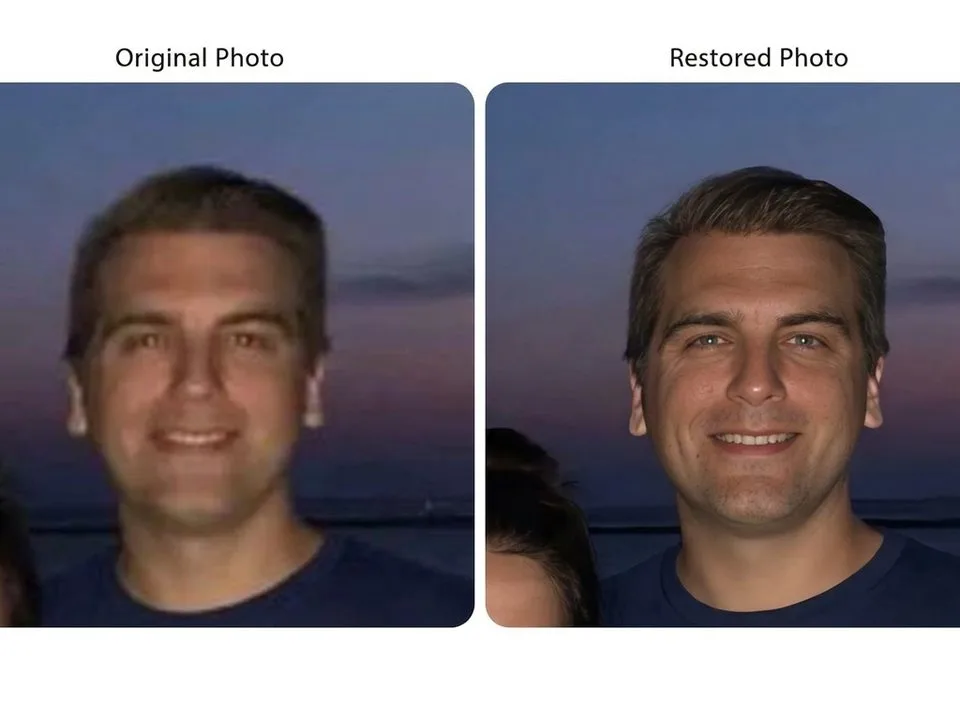
TL;DR: The Short Answer A blurry photo can sometimes be fixed — but only if you first diagnose what kind of blur it is. Motion blur (streaks in…
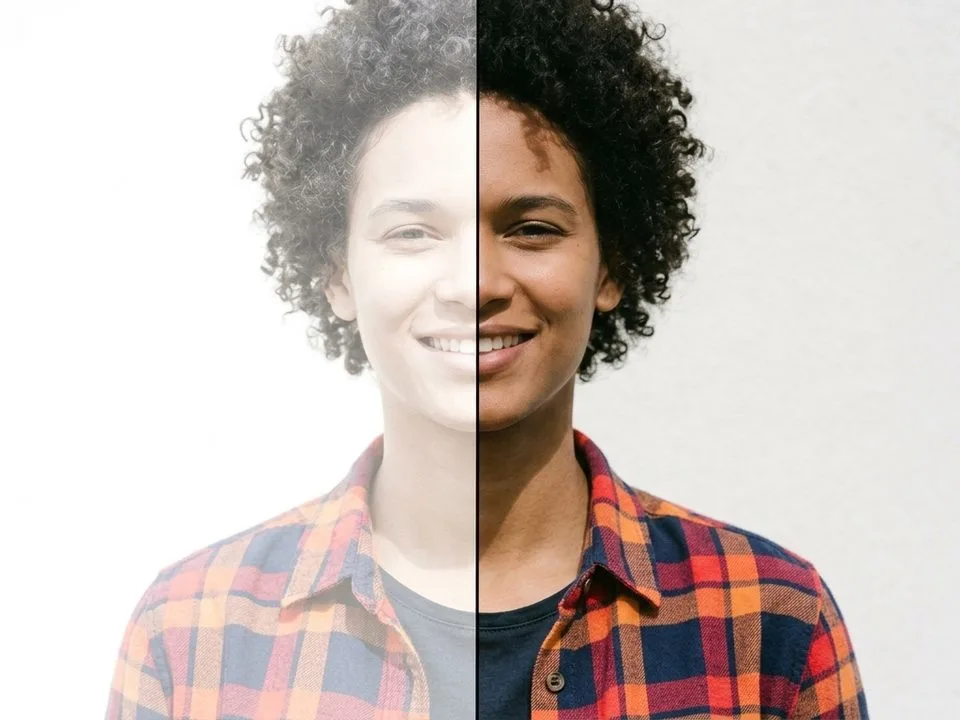
TL;DR: The Short Answer You fix an overexposed photo by pulling the Highlights slider first (to −50 to −100), then the Whites slider left until the histogram stops…
TL;DR: The Short Answer Underexposed photos are easier to fix than overexposed ones — shadows hold hidden detail, and RAW files recover 2–3 stops of brightness. The correct…
TL;DR: The Short Answer Red eye happens when a direct flash — positioned too close to the camera lens — bounces off the blood-rich retina at the back…
TL;DR: The Short Answer A water-damaged photo can usually be saved — but only if you act within the first 48 hours and never use heat. The correct…
TL;DR: The Short Answer You fix a scratched photo by repairing the digital scan, not the physical print — and the right tool depends on the scratch. Scan…
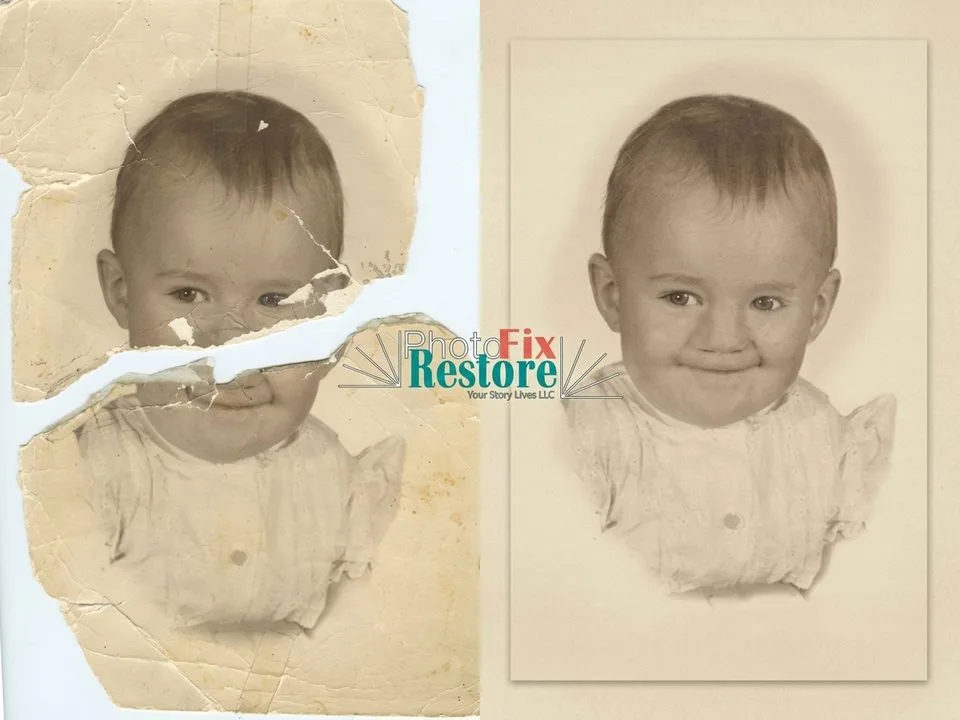
TL;DR: The Short Answer You fix a torn photo digitally, not physically — and the #1 rule is never use tape or glue on the original print. Lay…
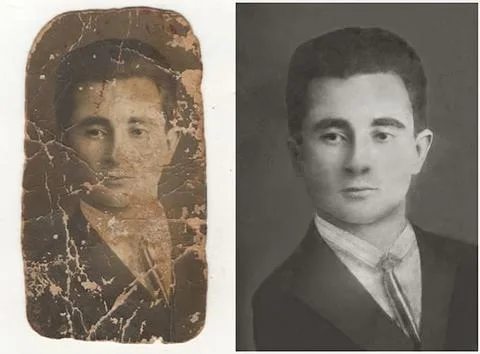
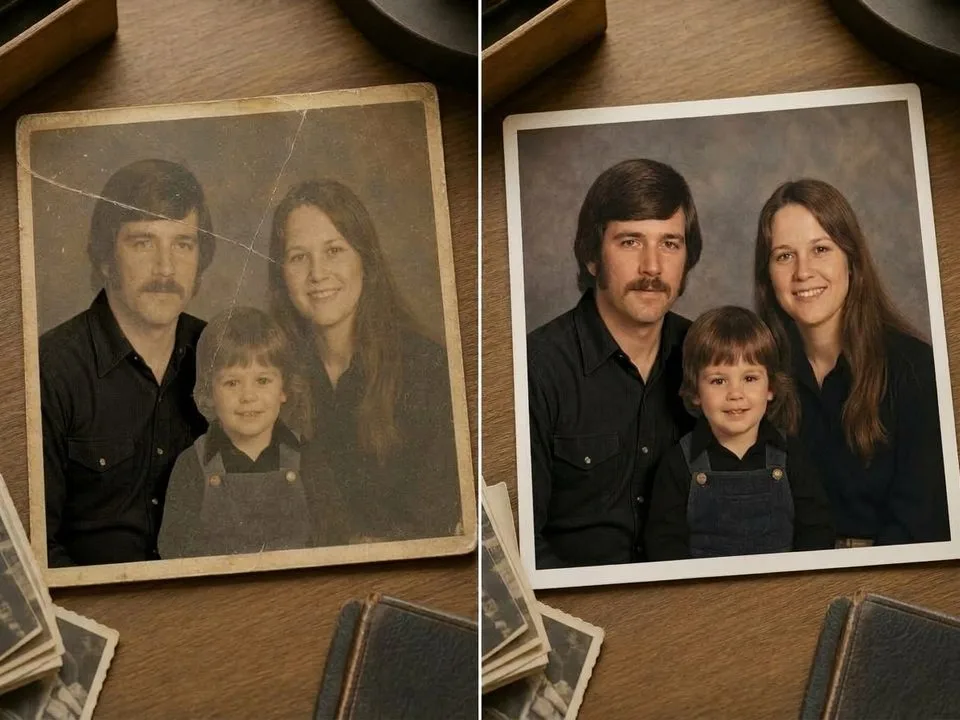
TL;DR: The Short Answer You can restore almost any old photo — even badly damaged ones — in five steps: scan at 600 DPI (1200 DPI for small…