Social Media Image Sizes Cheat Sheet 2026: Every Platform, Every Pixel
TL;DR: The Short Answer If you remember nothing else: export every social media image at 1080px wide minimum, sRGB color space, JPEG quality 80–85, and never upload larger…
TL;DR: The Short Answer If you remember nothing else: export every social media image at 1080px wide minimum, sRGB color space, JPEG quality 80–85, and never upload larger…
TL;DR: The Short Answer Batch resizing works when you know three numbers: the target pixel dimensions, the aspect ratio, and the resampling method. For web: resize the long…
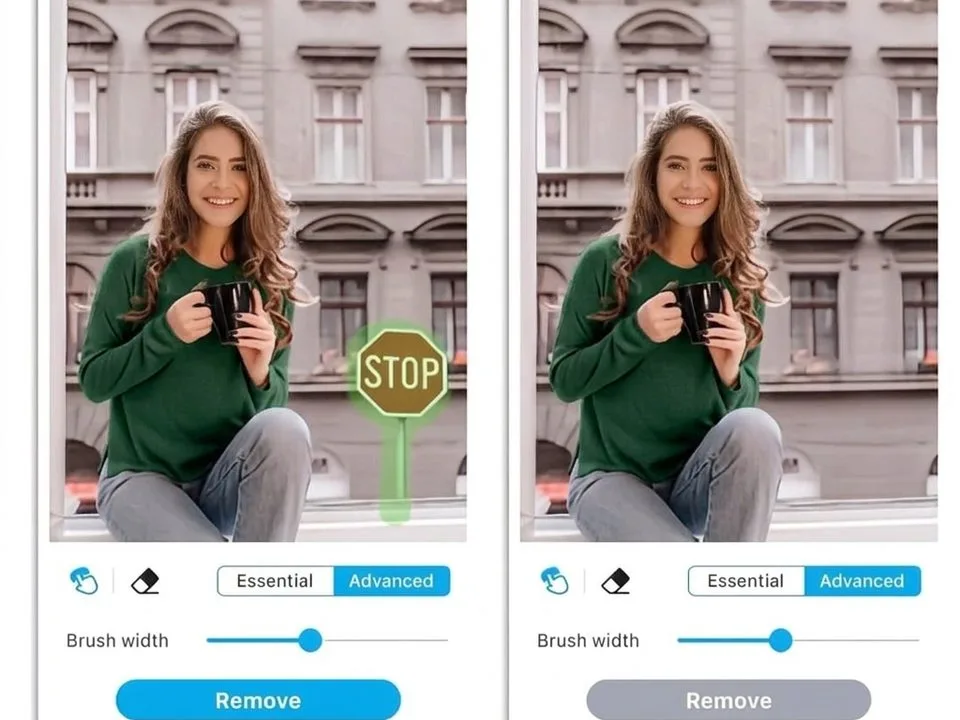
TL;DR: The Short Answer You remove an object from a photo by selecting it, then filling the gap with pixels that match the surrounding background — and the…
TL;DR: The Short Answer You blur a photo background by separating the subject from the background, then applying a blur that increases with distance from the subject —…
TL;DR: The Short Answer You remove a shadow by lightening it to match the surrounding light, not by erasing it. A face or object with zero shadow looks…
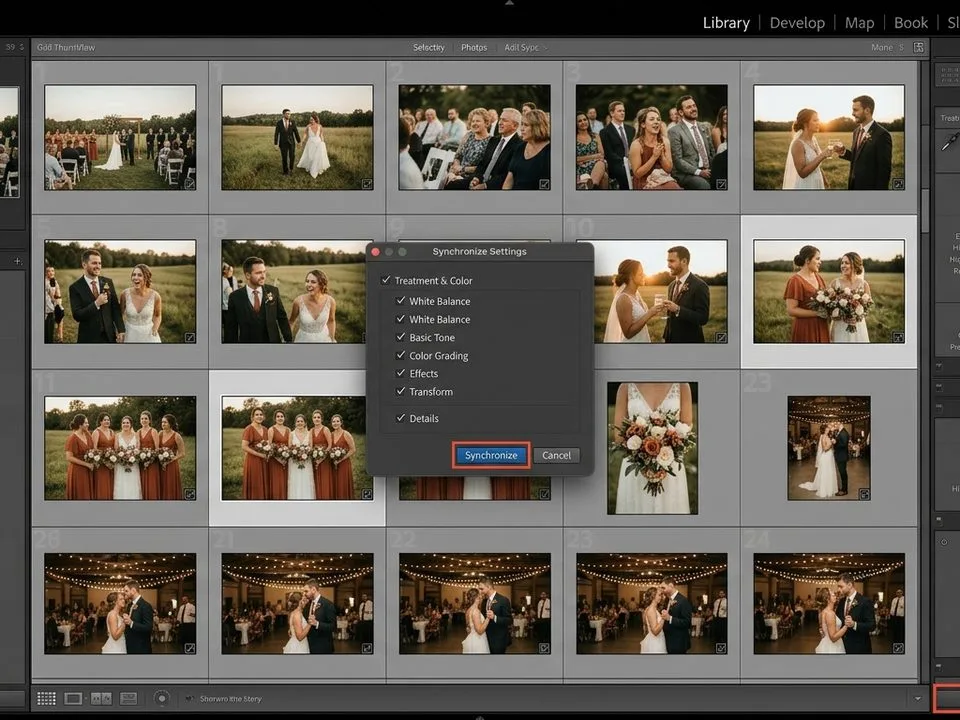
TL;DR: The Short Answer Batch editing works only if you do it in stages, and the most important stage is the one before you touch a slider: cull…
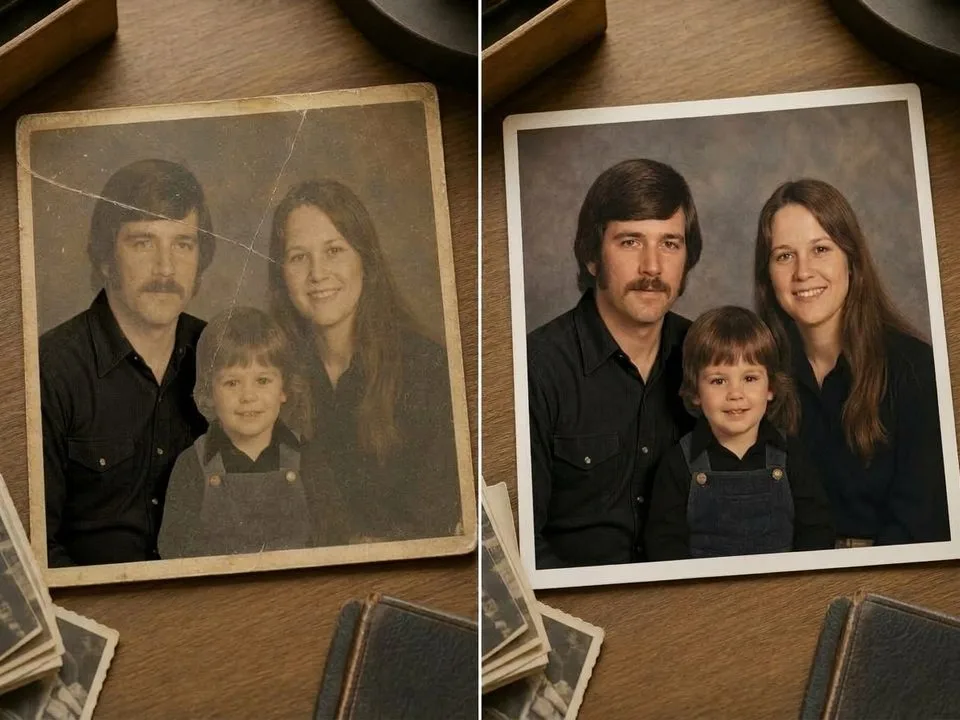
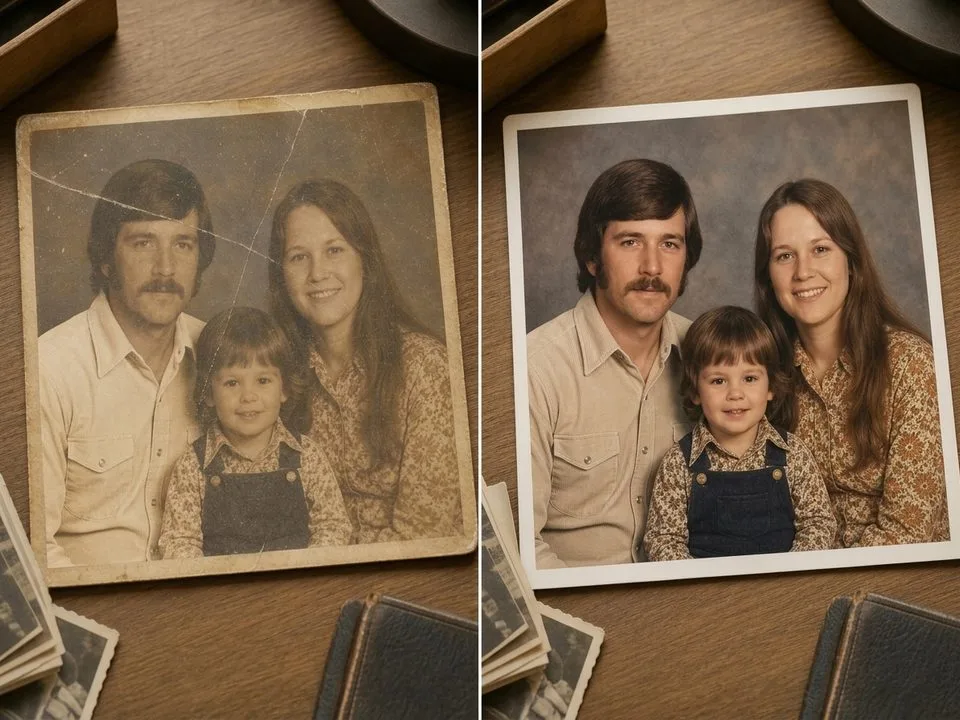
TL;DR: The Short Answer Fading follows predictable patterns — and you fix it by resetting what time removed. Scan at 600 DPI as a TIFF, then open Curves…
TL;DR: The Short Answer A damaged scan is usually fixable — but only if you repair the artifacts in the right order. Straighten and crop first, fix the…
TL;DR: The Short Answer A blurry photo can sometimes be fixed — but only if you first diagnose what kind of blur it is. Motion blur (streaks in…
TL;DR: The Short Answer You fix an overexposed photo by pulling the Highlights slider first (to −50 to −100), then the Whites slider left until the histogram stops…